VRoid Studio
VRoid Studio: A free avatar creator with strong customization, texture tools, and VRM export. Ranked #23 of 26 in Game 3D Modeling Software by our editors (6.5/10); pricing: Free plan; best for free stylized avatar and VRM creators.
At a glance
- Editor score6.5 / 10
- PricingFree plan
- Best forFree stylized avatar and VRM creators
- Free planYes
- Paid fromFree
- Facts checked21 Sep 2026
Where it wins
- Free access to detailed avatar and character customization
- Texture painting supports layers and pen-tablet pressure sensitivity
- Exports VRM models and connects with VRoid Hub
Where it doesn't
- Focused on character creation rather than general 3D modeling
- VRM export is intended for compatible applications
- Preset-based workflows may not suit fully from-scratch modeling
Our verdict on VRoid Studio
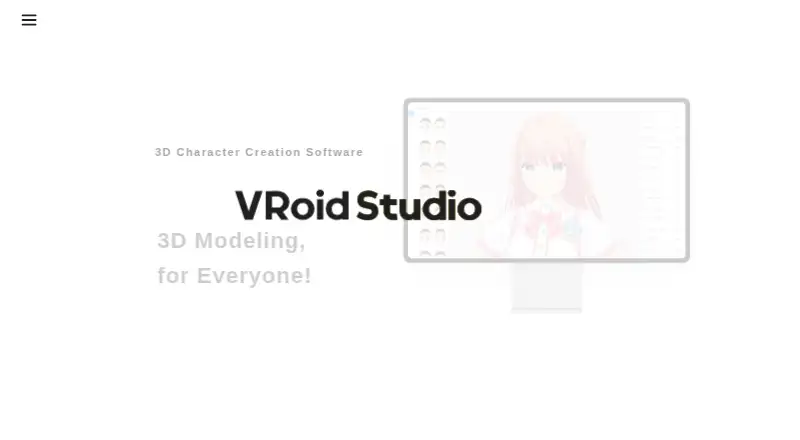
VRoid Studio is a free 3D character creation application from pixiv Inc. for making original avatars and character models. It is aimed at beginners and creators who want customizable anime-style characters without modeling every element from scratch. Facial features, body proportions, hairstyles, outfits, accessories, and textures can be adjusted through editable presets and real-time controls. Official versions are available for Windows, macOS, and iPad, giving creators several desktop and tablet workflows.
The strongest part of VRoid Studio is its character-focused editing depth. Users can create layered clothing, adjust hair-bundle parameters and bounce settings, and draw directly on 3D models with UV mapping. Texture painting includes layers and pen-tablet pressure sensitivity, while real-time model editing makes changes visible as the avatar develops. These tools give creators control over appearance without requiring a general-purpose modeling workflow. The trade-off is scope: VRoid Studio is designed around avatar and character creation, not broad game 3D modeling.
VRM export defines the product’s ecosystem fit. Finished models can be exported as VRM files for VRM-compatible applications, and uploads to VRoid Hub provide a direct path into that service. This makes VRoid Studio a practical choice for creators whose target applications support VRM or who want to share models through VRoid Hub. It is less suitable for projects that require a wider general 3D modeling toolset or workflows centered outside character creation. Choose it for free, stylized avatar production and texture-driven customization; consider an alternative when the project needs broader modeling coverage.
Your product? Our editors can test VRoid Studio in depth and publish a review, labelled as paid · from $149/mo →
VRoid Studio pricing
VRoid Studio fact sheet
| Free plan | Yes |
|---|---|
| Paid from | Free |
| Sculpting tools | Not verified |
| Retopology tools | Not verified |
| UV unwrapping | Not verified |
| Texture painting | Yes |
| Baking tools | Not verified |
| Rigging and animation | Not verified |
| Supported platforms | Windows, macOS, iPadOS |
| Deployment | Desktop, Mobile |
| Platforms | Windows, macOS, iOS |
| Support | Docs |
| Built for | Solo, Small business (editorial estimate) |
| Integrations | 2 integrations: VRoid Hub, VRM-compatible applications |
| Pricing | Free plan |
| Website | vroid.com |
| Facts checked | 21 Sep 2026 |
VRoid Studio integrations
VRoid Studio lists 2 integrations on its own site.
- VRoid Hub
- VRM-compatible applications
Alternatives to VRoid Studio
- BlenderA complete free desktop toolkit for modeling, animation, rendering, and game assets.9.4
- HoudiniA deep procedural 3D toolkit for technical artists building complex game worlds.9.2
- Autodesk MayaA deep desktop 3D suite for animation-heavy game production, priced for established teams.8.9



See all VRoid Studio alternatives →
Also Ranked In
VRoid Studio is ranked in 4 of our directories.
Used VRoid Studio? Be the first to review it
The editor score above is our own research. What this page doesn't have yet is a reader's view — what you used VRoid Studio for, what worked and what didn't. No stars are seeded and no review is paid for; an editor reads every one before it appears.
Write a reviewTwo minutes · verified accounts only · read by an editor before it appears
Featured on iTechGuides

VRoid Studio is listed in our Game 3D Modeling Software directory. Add the badge to your site — it links back to this page.
<a href="https://www.itechguides.com/products/vroid-studio/"><img src="https://www.itechguides.com/best/badge/vroid-studio.svg" alt="Featured on iTechGuides" width="230" height="46"></a>
Reviewed by iTechGuides Editors · Editorial team · Updated Oct 2026
Advertiser disclosure: iTechGuides is reader-supported. Vendors can pay for top positions in our rankings and for a place on other products' pages, and we may earn a commission when you click some links. Bought places stand at the number bought; this page and our disclosure say so. Paying vendors may get a fuller, more detailed review from our editors, and that review can change their score. How we rank.
Last updated · How we research and update