
Sketchbook
Sketchbook: A flexible sketching tool with broad platform coverage and a useful free starting point. Ranked #8 of 46 in Digital Painting Software by our editors (8.6/10); pricing: Free plan; best for accessible sketching across desktop and mobile.
At a glance
- Editor score8.6 / 10
- PricingFree plan
- Best forAccessible sketching across desktop and mobile
- Free planYes
- Layer supportYes
- Facts checked20 Sep 2026
Where it wins
- Free mobile application with core drawing tools
- Customizable brushes, layers, masking, and blend modes
- Available on Windows, macOS, iOS, and Android
Where it doesn't
- Advanced features are divided across paid offerings
- Flipbook 2D animation is available on desktop
- Feature availability varies by platform and app version
Our verdict on Sketchbook
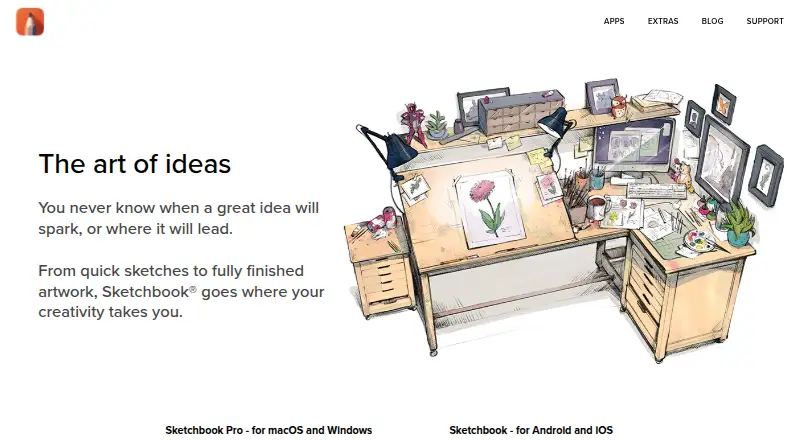
Sketchbook is digital drawing, painting, and sketching software for artists, illustrators, and hobbyists. Its broad platform coverage supports Windows, macOS, iOS, and Android, making it suitable for users who move between desktop and mobile devices. The free mobile application includes brushes, layers, guides, rulers, and stroke tools, while the desktop applications add drawing, painting, and sketching capabilities. Pressure-sensitive stylus input, customizable brushes, symmetry, color controls, and stroke smoothing give it a wide foundation for both casual sketching and more structured illustration work.
The product’s strongest area is its drawing toolkit. Users can create and customize brushes, work with blending, grouping, and masking in the layer editor, and use Predictive Stroke or Steady Stroke to smooth marks. Guides, rulers, ellipse tools, French curves, and vertical, horizontal, and radial symmetry support technical layouts as well as freehand work. Color palettes, gradients, harmonies, and color extraction add further control, while desktop users also get Flipbook 2D animation. These features make Sketchbook more than a basic mobile sketchpad without narrowing it to a single illustration workflow.
Its freemium structure gives new users a practical entry point, but the paid offerings separate capabilities by product and platform. The Premium Bundle adds custom brush creation, advanced color management, layer grouping and masking, and additional export options. Sketchbook Pro for Mac provides a desktop drawing, painting, and sketching application with customizable brushes, layers, and blend modes. Choose Sketchbook for accessible cross-device sketching, pressure-sensitive input, and a broad set of drawing tools. Users who need every advanced capability in one consistently matched experience should review which plan and platform provide the features they require.
Your product? Our editors can test Sketchbook in depth and publish a review, labelled as paid · from $149/mo →
Sketchbook pricing
All 3 Sketchbook plans and prices →
Sketchbook fact sheet
| Free plan | Yes |
|---|---|
| Paid from | Not verified |
| Brush customization | Yes |
| Layer support | Yes |
| Pressure sensitivity | Yes |
| Supported platforms | windows, macos, ios, android |
| Color management | Advanced |
| Stroke stabilization | Yes |
| Deployment | Desktop, Mobile |
| Platforms | Windows, macOS, iOS, Android |
| Pricing | Free plan (source) |
| Website | sketchbook.com |
| Facts checked | 20 Sep 2026 |
Alternatives to Sketchbook
- KritaA broad, professional-grade painting toolkit with no paid plan and wide platform coverage.9.4
- Clip Studio PaintA broad digital art workspace spanning illustration, comics, 3D, animation, and cloud tools.9.3
- ProcreateA polished iPad painting workflow with broad creative tools and limited platform coverage.9.1


See all Sketchbook alternatives →
Sketchbook vs the competition
- Sketchbook vs Procreate
- Sketchbook vs Corel Painter
- Sketchbook vs ibisPaint
- Sketchbook vs Adobe Fresco
- Sketchbook vs Rebelle



Compare Sketchbook with any tool side by side →
Also Ranked In
Sketchbook is ranked in 7 of our directories.
Used Sketchbook? Be the first to review it
The editor score above is our own research. What this page doesn't have yet is a reader's view — what you used Sketchbook for, what worked and what didn't. No stars are seeded and no review is paid for; an editor reads every one before it appears.
Write a reviewTwo minutes · verified accounts only · read by an editor before it appears
Featured on iTechGuides

Sketchbook is listed in our Digital Painting Software directory. Add the badge to your site — it links back to this page.
<a href="https://www.itechguides.com/products/sketchbook/"><img src="https://www.itechguides.com/best/badge/sketchbook.svg" alt="Featured on iTechGuides" width="230" height="46"></a>
Reviewed by iTechGuides Editors · Editorial team · Updated Oct 2026
Advertiser disclosure: iTechGuides is reader-supported. Vendors can pay for top positions in our rankings and for a place on other products' pages, and we may earn a commission when you click some links. Bought places stand at the number bought; this page and our disclosure say so. Paying vendors may get a fuller, more detailed review from our editors, and that review can change their score. How we rank.
Last updated · How we research and update