
Krita
Krita: A capable free choice for digital painting, illustration, animation, and reusable creative workflows. Ranked #8 of 148 in Graphic Design Software by our editors (8.6/10); pricing: Free plan; best for free digital painting and illustration.
At a glance
- Editor score8.6 / 10
- PricingFree plan
- Best forFree digital painting and illustration
- Free planYes
- Paid fromFree
- Founded1998 · Deventer, Netherlands (Krita Foundation address; not necessarily the project's headquarters)
- Facts checked23 Sep 2026
Where it wins
- Raster painting, brush engines, vector layers, and animation tools
- CMYK, HDR, and other color-management capabilities
- Free, open-source licensing with commercial use permitted
Where it doesn't
- Android support is documented as beta
- iOS and iPadOS are not supported
- Collaboration and integrations are not verified
Our verdict on Krita
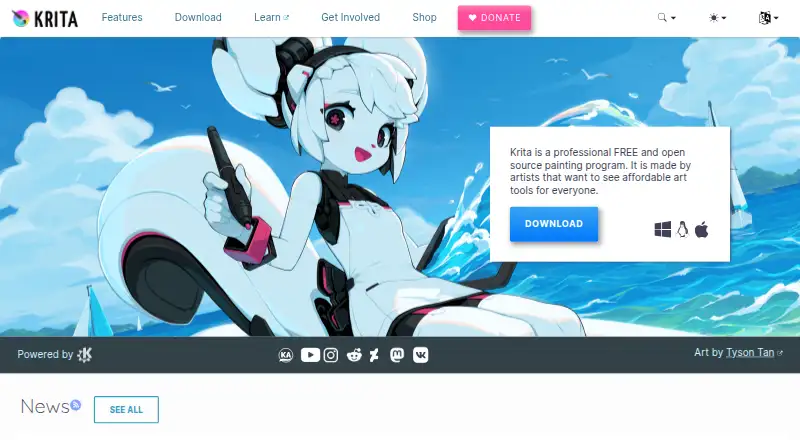
Krita is a free, open-source digital painting application for illustrators, comic artists, concept artists, animators, and other digital creators. Its core toolkit combines raster painting and brush engines with vector layers, layer and mask-based editing, selection and transformation tools, color management, and frame-by-frame raster animation. The application is available for Windows, macOS, and Linux, while an Android tablet version is documented in beta. Developed within the KDE community and supported by the nonprofit Krita Foundation, it suits creators who want a dedicated illustration environment without a paid plan.
The feature depth is strongest for painting and illustration workflows. Krita includes CMYK and HDR capabilities, perspective and grid tools, document templates, and reusable resource libraries. Its animation support focuses on frame-by-frame raster work, and Python and C++ plugin extensibility can expand the application beyond its built-in tools. Vector drawing is included alongside raster editing, giving artists options for combining painted elements with scalable shapes. These capabilities make Krita a strong fit for standalone creative production, particularly when brush control, layers, color handling, and illustration-focused tools matter more than team workflow features.
Krita’s pricing is straightforward: the Free plan is a free and open-source application licensed under GNU GPL v3, with commercial use permitted. It can also be purchased through third-party stores, while the Android version remains beta. The platform coverage is broad across desktop operating systems, but iOS and iPadOS are not supported. Krita should appeal to artists seeking capable free software for painting, comics, concept work, or animation. Teams that require verified collaboration features, established integrations, or a supported Apple tablet app should choose a different tool.
Your product? Our editors can test Krita in depth and publish a review, labelled as paid · from $149/mo →
Krita pricing
Krita fact sheet
| Free plan | Yes |
|---|---|
| Paid from | Free |
| Template library | Yes |
| Presentation design | Yes |
| Illustration tools | Yes |
| Brand kit | Not verified |
| Real-time collaboration | Not verified |
| Desktop app | Yes |
| Mobile app | Yes |
| Deployment | Desktop, Mobile |
| Platforms | Windows, macOS, Linux, Android |
| Compliance & security | GDPR |
| Support | Community, Docs |
| Built for | Solo, Small business (editorial estimate) |
| Pricing | Free plan |
| Website | krita.org |
| Facts checked | 23 Sep 2026 |
Alternatives to Krita
- Adobe Creative CloudA broad creative suite for teams that need design, video, collaboration, and asset management.9.4
- CanvaA broad template-based editor for creating and sharing varied visual content.9.3
- FigmaA shared workspace for interface design, prototyping, developer handoff and more.9.2



Krita vs the competition
- Krita vs Adobe Creative Cloud
- Krita vs Canva
- Krita vs Figma
- Krita vs Affinity
- Krita vs CorelDRAW
- Krita vs Adobe Illustrator


Compare Krita with any tool side by side →
Also Ranked In
Krita is ranked in 11 of our directories; the 6 strongest besides Graphic Design Software.
Used Krita? Be the first to review it
The editor score above is our own research. What this page doesn't have yet is a reader's view — what you used Krita for, what worked and what didn't. No stars are seeded and no review is paid for; an editor reads every one before it appears.
Write a reviewTwo minutes · verified accounts only · read by an editor before it appears
Featured on iTechGuides

Krita is listed in our Graphic Design Software directory. Add the badge to your site — it links back to this page.
<a href="https://www.itechguides.com/products/krita/"><img src="https://www.itechguides.com/best/badge/krita.svg" alt="Featured on iTechGuides" width="230" height="46"></a>
Reviewed by iTechGuides Editors · Editorial team · Updated Oct 2026
Advertiser disclosure: iTechGuides is reader-supported. Vendors can pay for top positions in our rankings and for a place on other products' pages, and we may earn a commission when you click some links. Bought places stand at the number bought; this page and our disclosure say so. Paying vendors may get a fuller, more detailed review from our editors, and that review can change their score. How we rank.
Last updated · How we research and update