OBS Multiple RTMP Outputs
OBS Multiple RTMP Outputs: A focused, free OBS add-on for synchronized multistreaming with per-output controls. Ranked #99 of 136 in Live Streaming Software by our editors (3.0/10); pricing: Free plan; best for free OBS multi-output control.
At a glance
- Editor score3.0 / 10
- PricingFree plan
- Best forFree OBS multi-output control
- Free planYes
- Paid fromFree
- Facts checked21 Sep 2026
Where it wins
- Free, GPL-licensed, and open source
- Per-target video, audio, encoder, scene, and bitrate controls
- Official builds for Windows, macOS, and Linux
Where it doesn't
- Requires OBS Studio and version-compatible plugin builds
- Desktop-only, with no browser studio
- No integrations, scheduling, recording, or chat features
Our verdict on OBS Multiple RTMP Outputs
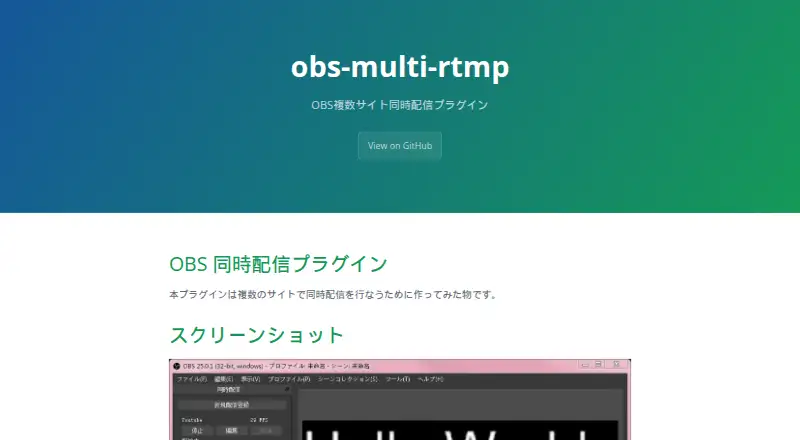
OBS Multiple RTMP Outputs is a free, GPL-licensed OBS Studio plugin for creators who want to broadcast to several streaming sites at the same time. It is aimed at solo creators and small teams, including VTubers, who already work in OBS and need synchronized control over multiple streaming targets. The plugin adds a dock for adding, editing, reordering, starting, and stopping outputs, while retaining OBS as the main production environment.
Its strongest feature is per-output control. Each configured destination can have its own video resolution, frame rate, video encoder, audio encoder, OBS scene, audio mixer, and audio tracks. Outputs can start or stop together, synchronize with OBS, and reuse OBS streaming or recording encoders. Custom RTMP support makes the tool suitable for destinations that accept configurable streaming endpoints. Official builds cover Windows, macOS, and Linux, but compatibility is tied to OBS Studio versions, so choosing the correct build is part of setup and maintenance.
The product stays deliberately narrow. It handles multi-output management rather than providing a browser-based studio, scheduling, recording, chat, or broader integrations. Support is centered on documentation and community channels, and deployment is desktop-based. Choose it if OBS is already central to your workflow and simultaneous streaming with independent output settings is the main requirement. Choose an alternative if you need an all-in-one live production workspace, integrated audience tools, or a wider platform ecosystem beyond OBS and configured RTMP targets.
Your product? Our editors can test OBS Multiple RTMP Outputs in depth and publish a review, labelled as paid · from $149/mo →
OBS Multiple RTMP Outputs pricing
OBS Multiple RTMP Outputs fact sheet
| Free plan | Yes |
|---|---|
| Paid from | Free |
| Multistreaming | Yes |
| Pre-recorded streams | Not verified |
| 24/7 looping | Not verified |
| Browser-based studio | No |
| Custom RTMP destinations | Yes |
| Cloud recording | Not verified |
| Unified chat | Not verified |
| Deployment | Desktop |
| Platforms | Windows, macOS, Linux |
| Support | Docs, Community |
| Built for | Solo, Small business (editorial estimate) |
| Pricing | Free plan |
| Website | sorayuki.github.io |
| Facts checked | 21 Sep 2026 |
Alternatives to OBS Multiple RTMP Outputs
- OBS StudioA highly customizable free desktop production tool for creators, educators, and broadcasters.9.4
- Streamlabs DesktopA capable desktop streamer with strong alerts, automation, and creator tools.9.2
- vMixA Windows production suite for multicamera switching, replay, graphics, guests, and multistreaming.9.1



See all OBS Multiple RTMP Outputs alternatives →
Used OBS Multiple RTMP Outputs? Be the first to review it
The editor score above is our own research. What this page doesn't have yet is a reader's view — what you used OBS Multiple RTMP Outputs for, what worked and what didn't. No stars are seeded and no review is paid for; an editor reads every one before it appears.
Write a reviewTwo minutes · verified accounts only · read by an editor before it appears
Featured on iTechGuides

OBS Multiple RTMP Outputs is listed in our Live Streaming Software directory. Add the badge to your site — it links back to this page.
<a href="https://www.itechguides.com/products/obs-multiple-rtmp-outputs/"><img src="https://www.itechguides.com/best/badge/obs-multiple-rtmp-outputs.svg" alt="Featured on iTechGuides" width="230" height="46"></a>
Reviewed by iTechGuides Editors · Editorial team · Updated Oct 2026
Advertiser disclosure: iTechGuides is reader-supported. Vendors can pay for top positions in our rankings and for a place on other products' pages, and we may earn a commission when you click some links. Bought places stand at the number bought; this page and our disclosure say so. Paying vendors may get a fuller, more detailed review from our editors, and that review can change their score. How we rank.
Last updated · How we research and update