
McSH
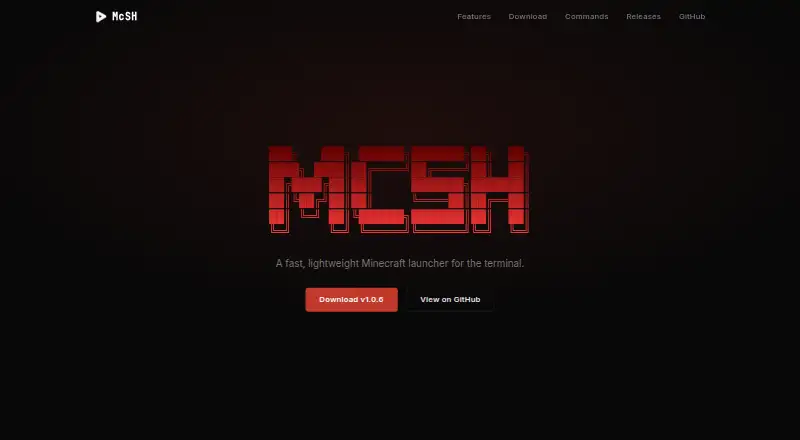
McSH: A free, open-source launcher for configurable Minecraft instances on Windows and Linux. Ranked #35 of 75 in Minecraft Launchers by our editors (6.0/10); pricing: Free plan; best for windows and Linux players wanting configurable instances.
At a glance
- Editor score6.0 / 10
- PricingFree plan
- Best forWindows and Linux players wanting configurable instances
- Free planYes
- Paid fromFree
- Facts checked22 Sep 2026
Where it wins
- Create, clone, rename, and delete isolated instances.
- Install Forge, NeoForge, Fabric, or Quilt and find packs through Modrinth.
- Manage Java, back up worlds, and configure launch settings per instance.
Where it doesn't
- Available for Windows and Linux, not macOS.
- Uses a command-line workflow rather than a graphical launcher interface.
- Instance imports are supported from Prism Launcher and MultiMC.
Our verdict on McSH
McSH is an open-source, command-line Minecraft launcher for Windows and Linux. It is aimed at players who prefer terminal workflows and want to manage separate game setups without relying on a graphical launcher. Its instance controls cover creation, cloning, renaming, and deletion, while support for Forge, NeoForge, Fabric, and Quilt gives players several mod-loader options. Modrinth search and installation, plus Microsoft account authentication, connect common game-management tasks to the launcher.
Instance and modpack management are a particular strength. McSH can search for, install, and update modpacks, and it can import and export .mrpack files. Players can also search for and install Modrinth mods, resource packs, shaders, plugins, and datapacks. Prism Launcher and MultiMC instance imports provide a route for bringing in existing setups from those launchers. Per-instance RAM, JVM arguments, environment settings, and hooks let players adjust launch behavior for each configuration rather than applying one set of controls everywhere.
Java installation detection and runtime management reduce the need to manage runtimes separately, while world backups include an automatic pre-launch backup option. Those features make McSH a practical fit for Windows or Linux players who are comfortable with a terminal and want configurable, isolated instances. It is less suitable for anyone who expects a graphical launcher or plays on macOS. Import support is specifically for Prism Launcher and MultiMC instances, so players moving from another launcher should not assume their instance can be imported directly.
Your product? Our editors can test McSH in depth and publish a review, labelled as paid · from $149/mo →
McSH pricing
McSH fact sheet
| Free plan | Yes |
|---|---|
| Paid from | Free |
| Desktop OS support | Not verified |
| Separate instances | Yes |
| Modpack import | Both |
| Mod loader support | Multiple |
| Java runtime management | Yes |
| Built-in modpack catalog | Yes |
| Automatic updates | Not verified |
| Deployment | Desktop |
| Platforms | Windows, Linux |
| Built for | Solo, Small business (editorial estimate) |
| Integrations | 3 integrations: Modrinth, Microsoft account services, Mojang API |
| Pricing | Free plan |
| Website | mcsh.dev |
| Facts checked | 22 Sep 2026 |
McSH integrations
McSH lists 3 integrations on its own site.
- Modrinth
- Microsoft account services
- Mojang API
Alternatives to McSH
- Prism LauncherA free, open-source launcher for organizing isolated Minecraft instances and modpacks.9.4
- RefractA broad, free launcher for players moving libraries and modpacks from other launchers.9.2
- Spectra LauncherA free, open-source launcher with strong instance, mod, and modpack workflows.9.1


Used McSH? Be the first to review it
The editor score above is our own research. What this page doesn't have yet is a reader's view — what you used McSH for, what worked and what didn't. No stars are seeded and no review is paid for; an editor reads every one before it appears.
Write a reviewTwo minutes · verified accounts only · read by an editor before it appears
Featured on iTechGuides

McSH is listed in our Minecraft Launchers directory. Add the badge to your site — it links back to this page.
<a href="https://www.itechguides.com/products/mcsh/"><img src="https://www.itechguides.com/best/badge/mcsh.svg" alt="Featured on iTechGuides" width="230" height="46"></a>
Reviewed by iTechGuides Editors · Editorial team · Updated Oct 2026
Advertiser disclosure: iTechGuides is reader-supported. Vendors can pay for top positions in our rankings and for a place on other products' pages, and we may earn a commission when you click some links. Bought places stand at the number bought; this page and our disclosure say so. Paying vendors may get a fuller, more detailed review from our editors, and that review can change their score. How we rank.
Last updated · How we research and update