
HitPaw Vocal Remover
HitPaw Vocal Remover: A broad-format desktop vocal separator with local processing and paid plans. Ranked #22 of 23 in AI Voice Isolators by our editors (6.5/10); pricing: Paid; best for desktop users needing broad media compatibility.
At a glance
- Editor score6.5 / 10
- PricingPaid
- Best forDesktop users needing broad media compatibility
- Free planNo
- Paid from$39.95/device/yr
- Processing modeUpload
- Facts checked22 Sep 2026
Where it wins
- Supports audio and video across more than 1,000 formats
- Desktop workflow includes batch handling and local processing
- Offers monthly, annual, and perpetual license options
Where it doesn't
- Pricing starts at $19.95 per month
- Core focus is vocals and instrumentals, not general voice isolation
- Online processing requires uploaded media and has a 90-minute limit
Our verdict on HitPaw Vocal Remover
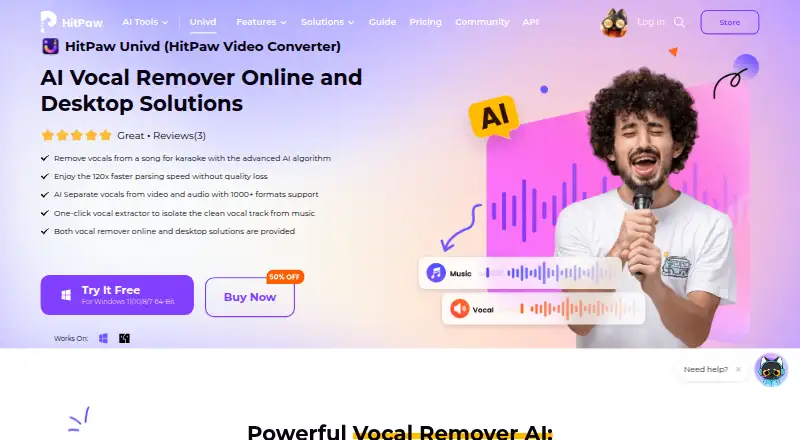
HitPaw Vocal Remover separates vocals and instrumental tracks from audio and video files using AI. It is aimed at karaoke creators, DJs, musicians practicing songs, samplers, and editors who need acapella or instrumental tracks. The product is available online and within HitPaw Univd for Windows and macOS, giving desktop users local processing alongside a browser-based upload workflow. One-click extraction keeps the primary task focused, while support for more than 1,000 formats broadens its media compatibility.
Pricing is structured across several options. The Free Trial provides AI vocal removal for one-third of a file's length and exports with a watermark. The 1 Month License costs $19.95 per month for one PC and includes 24/7 technical support. The 1 Year License costs $39.95 per year with the same AI Vocal Remover, one-PC use, and 24/7 technical support. The $79.95 Perpetual License provides perpetual access to standard plan features and free updates for all big versions. This range suits users who prefer either recurring billing or a one-time license, but the monthly entry price is relatively high for a tool centered on vocal and instrumental extraction.
The main distinction is workflow flexibility. The online version accepts uploaded media and provides downloadable separated tracks, while the desktop version supports batch file handling and local processing. The stated online limit is 90 minutes, and MP3 is the stated export format. Users who need broad audio/video compatibility, desktop batch work, or local processing should consider HitPaw Vocal Remover. Those seeking a narrower voice-isolation tool rather than music-focused vocal and instrumental separation may be better served by an alternative.
Your product? Our editors can test HitPaw Vocal Remover in depth and publish a review, labelled as paid · from $149/mo →
HitPaw Vocal Remover pricing
All 4 HitPaw Vocal Remover plans and prices →
HitPaw Vocal Remover fact sheet
| Free plan | No |
|---|---|
| Paid from | $39.95/device/yr |
| Input types | Audio_and_video |
| Processing mode | Upload |
| Batch processing | Yes |
| API access | Not verified |
| Maximum file duration | 90 min |
| Export formats | MP3 |
| Money-back guarantee | 30 days |
| Deployment | Cloud, Desktop |
| Platforms | Web, Windows, macOS |
| Built for | Solo, Small business (editorial estimate) |
| Pricing | Paid (source) |
| Website | hitpaw.com |
| Facts checked | 22 Sep 2026 |
Alternatives to HitPaw Vocal Remover
- Krisp Voice IsolationA focused real-time SDK for cleaner speech, turn-taking, and transcription pipelines.9.4
- SharpiA focused on-premise option for real-time call audio isolation.9.1
- Sencial APIA developer-focused audio API with isolation, separation, diarization, and real-time processing.8.9


See all HitPaw Vocal Remover alternatives →
Used HitPaw Vocal Remover? Be the first to review it
The editor score above is our own research. What this page doesn't have yet is a reader's view — what you used HitPaw Vocal Remover for, what worked and what didn't. No stars are seeded and no review is paid for; an editor reads every one before it appears.
Write a reviewTwo minutes · verified accounts only · read by an editor before it appears
Featured on iTechGuides

HitPaw Vocal Remover is listed in our AI Voice Isolators directory. Add the badge to your site — it links back to this page.
<a href="https://www.itechguides.com/products/hitpaw-vocal-remover/"><img src="https://www.itechguides.com/best/badge/hitpaw-vocal-remover.svg" alt="Featured on iTechGuides" width="230" height="46"></a>
Reviewed by iTechGuides Editors · Editorial team · Updated Oct 2026
Advertiser disclosure: iTechGuides is reader-supported. Vendors can pay for top positions in our rankings and for a place on other products' pages, and we may earn a commission when you click some links. Bought places stand at the number bought; this page and our disclosure say so. Paying vendors may get a fuller, more detailed review from our editors, and that review can change their score. How we rank.
Last updated · How we research and update