
Autoflowly Whiteboard
Autoflowly Whiteboard: A video-enabled collaborative canvas, with paid platform plans starting at $19 per month. Ranked #41 of 56 in Online Whiteboard Tools by our editors (6.0/10); pricing: Free plan; best for small teams needing video-enabled whiteboards.
At a glance
- Editor score6.0 / 10
- PricingFree plan
- Best forSmall teams needing video-enabled whiteboards
- Free planYes
- Paid from$19/mo
- Infinite canvasYes
- Facts checked19 Sep 2026
Where it wins
- Infinite canvas with real-time collaborative drawing
- Diagramming, sticky notes, templates, and image or PDF export
- Voting, reactions, and built-in video chat
Where it doesn't
- Available on the web only
- No integrations are listed
- Published paid plans are for the broader platform, not specifically the whiteboard
Our verdict on Autoflowly Whiteboard
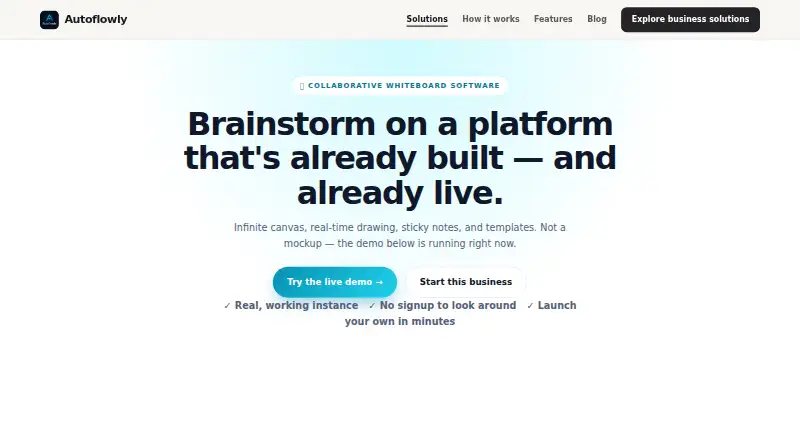
Autoflowly Whiteboard is a browser-based collaborative canvas for design teams, product managers, and remote teams. It combines real-time drawing with sticky notes, templates, diagram shapes, voting, reactions, exports, and built-in video chat. That mix suits groups who want to brainstorm and discuss ideas on one board, especially when synchronous conversation is part of their workflow. Its infinite canvas also supports open-ended visual work rather than only structured diagrams.
For collaboration, the feature set covers both freeform and organized work: teams can draw together, build flowcharts with the shape library, use ready-made templates, and export boards as images or PDFs. Voting and reactions give participants ways to respond directly on the board, while video chat keeps discussion alongside the visual workspace. Autoflowly also describes customization through natural-language requests and AI agents for tasks such as turning board content into action items. Teams choosing a whiteboard primarily for external integrations or use beyond a browser may want a different fit: the listed platform is web-only and has no integrations.
Autoflowly lists a free plan and monthly platform plans of Starter at $19, Pro at $39, and Business at $99. The published prices are for Autoflowly's broader platform, not identified specifically as Whiteboard prices, so they do not establish which whiteboard capabilities belong to each tier. Buyers should compare the plans with their intended use before choosing a paid option. The free plan makes it possible to consider the product without starting at a paid tier; teams whose priority is video-enabled visual collaboration may find its combination appealing, while teams needing integrations or a desktop platform should look elsewhere.
Your product? Our editors can test Autoflowly Whiteboard in depth and publish a review, labelled as paid · from $149/mo →
Autoflowly Whiteboard pricing
All 3 Autoflowly Whiteboard plans and prices →
Autoflowly Whiteboard fact sheet
| Free plan | Yes |
|---|---|
| Paid from | $19/mo |
| Infinite canvas | Yes |
| Diagramming tools | Yes |
| Workshop templates | Not verified |
| Guest collaboration | Not verified |
| Presentation mode | Not verified |
| Board limit | Not verified |
| Voting tools | Yes |
| Deployment | Cloud |
| Platforms | Web |
| Pricing | Free plan (source) |
| Website | autoflowly.com |
| Facts checked | 19 Sep 2026 |
Alternatives to Autoflowly Whiteboard
- MiroA broad whiteboard suite for teams that need collaboration, workshops, diagrams, and presentations.9.4
- MURALA facilitation-focused whiteboard with strong workshop controls and enterprise options.9.2
- FigJamAn affordable collaborative whiteboard with strong workshop tools and a focused ecosystem.9.0



See all Autoflowly Whiteboard alternatives →
Used Autoflowly Whiteboard? Be the first to review it
The editor score above is our own research. What this page doesn't have yet is a reader's view — what you used Autoflowly Whiteboard for, what worked and what didn't. No stars are seeded and no review is paid for; an editor reads every one before it appears.
Write a reviewTwo minutes · verified accounts only · read by an editor before it appears
Featured on iTechGuides

Autoflowly Whiteboard is listed in our Online Whiteboard Tools directory. Add the badge to your site — it links back to this page.
<a href="https://www.itechguides.com/products/autoflowly-whiteboard/"><img src="https://www.itechguides.com/best/badge/autoflowly-whiteboard.svg" alt="Featured on iTechGuides" width="230" height="46"></a>
Reviewed by iTechGuides Editors · Editorial team · Updated Oct 2026
Advertiser disclosure: iTechGuides is reader-supported. Vendors can pay for top positions in our rankings and for a place on other products' pages, and we may earn a commission when you click some links. Bought places stand at the number bought; this page and our disclosure say so. Paying vendors may get a fuller, more detailed review from our editors, and that review can change their score. How we rank.
Last updated · How we research and update