
Apowersoft Free Screen Capture
Apowersoft Free Screen Capture: A capable free capture tool for everyday screenshots, sharing, and quick markup. Ranked #17 of 39 in Screenshot Software by our editors (7.6/10); pricing: Free plan; best for anyone wanting simple free screenshot capture.
At a glance
- Editor score7.6 / 10
- PricingFree plan
- Best forAnyone wanting simple free screenshot capture
- Free planYes
- Paid fromFree
- Founded2010 · Hong Kong
- Facts checked20 Sep 2026
Where it wins
- Works across web, Windows, and macOS
- Adds annotation, blur, smart-window detection, and multiple formats
- Supports free cloud uploads, direct links, and sharing
Where it doesn't
- No scrolling capture
- No OCR
- No integrations
Our verdict on Apowersoft Free Screen Capture
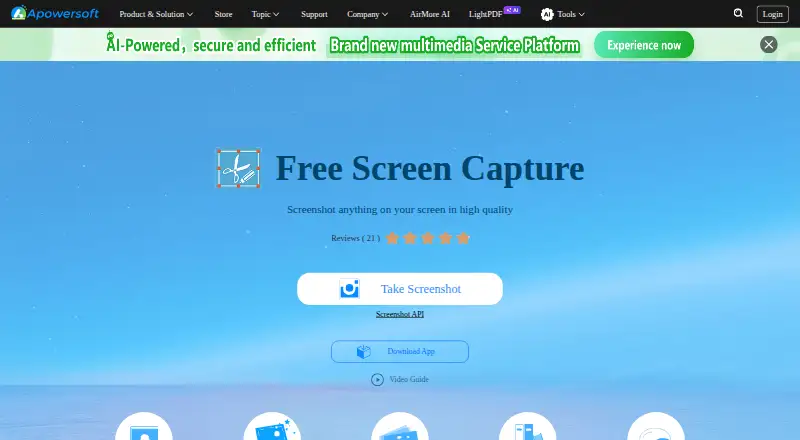
Apowersoft Free Screen Capture is a free screenshot utility for web, Windows, and macOS. It suits people who need straightforward screen capture for applications, webpages, videos, games, or everyday desktop work without a paid plan. Capture options include full-screen, region, application-window, and smart-window detection, giving users several ways to target content. The product also supports local saving and sharing workflows beyond the initial capture.
Its editing depth is focused but practical. Users can add text, lines, arrows, and shapes, while the blur tool helps hide sensitive information before a screenshot is shared. Captures can be exported to JPG, PNG, TIFF, BMP, GIF, or PDF, which covers common image and document workflows. This combination makes the tool a good fit for instructions, quick feedback, visual references, and screenshots that need light annotation rather than extensive image editing.
Sharing is another clear strength. Captures can be uploaded to free cloud storage, with direct links generated for distribution. Clipboard, email, and social-network sharing are also supported. The trade-off is a narrower feature scope: the product lacks scrolling capture, OCR, and integrations. Choose it for simple, free capture with annotation and flexible export or link sharing. Choose an alternative if long-page screenshots, text recognition, or connected workflows are central to your process.
Your product? Our editors can test Apowersoft Free Screen Capture in depth and publish a review, labelled as paid · from $149/mo →
Apowersoft Free Screen Capture pricing
Apowersoft Free Screen Capture fact sheet
| Free plan | Yes |
|---|---|
| Paid from | Free |
| Scrolling capture | Not verified |
| OCR text extraction | Not verified |
| Supported platforms | web, windows, macos |
| Export formats | JPG, PNG, TIFF, BMP, GIF, PDF |
| Cloud storage | Not verified |
| Shareable links | Yes |
| Deployment | Cloud, Desktop |
| Platforms | Web, Windows, macOS |
| Compliance & security | GDPR |
| Support | Phone, Tickets, Docs |
| Built for | Solo, Small business (editorial estimate) |
| Pricing | Free plan |
| Website | apowersoft.com |
| Facts checked | 20 Sep 2026 |
Alternatives to Apowersoft Free Screen Capture
- SnagitA mature screenshot and recording suite for teams that need more than basic captures.9.3
- ShareXA powerful free Windows capture tool with automation, editing, OCR, recording and uploads.9.2
- GyazoA versatile capture tool with broad platform support and useful Pro upgrades.9.1



See all Apowersoft Free Screen Capture alternatives →
Used Apowersoft Free Screen Capture? Be the first to review it
The editor score above is our own research. What this page doesn't have yet is a reader's view — what you used Apowersoft Free Screen Capture for, what worked and what didn't. No stars are seeded and no review is paid for; an editor reads every one before it appears.
Write a reviewTwo minutes · verified accounts only · read by an editor before it appears
Featured on iTechGuides

Apowersoft Free Screen Capture is listed in our Screenshot Software directory. Add the badge to your site — it links back to this page.
<a href="https://www.itechguides.com/products/apowersoft-free-screen-capture/"><img src="https://www.itechguides.com/best/badge/apowersoft-free-screen-capture.svg" alt="Featured on iTechGuides" width="230" height="46"></a>
Reviewed by iTechGuides Editors · Editorial team · Updated Oct 2026
Advertiser disclosure: iTechGuides is reader-supported. Vendors can pay for top positions in our rankings and for a place on other products' pages, and we may earn a commission when you click some links. Bought places stand at the number bought; this page and our disclosure say so. Paying vendors may get a fuller, more detailed review from our editors, and that review can change their score. How we rank.
Last updated · How we research and update