
Aegisub
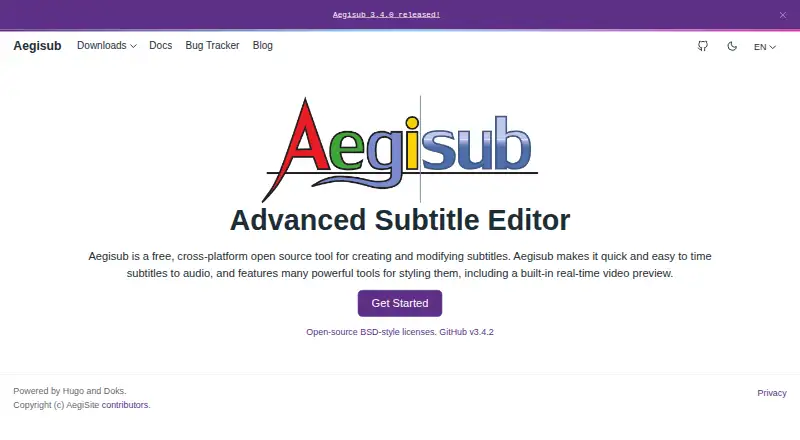
Aegisub: Aegisub delivers advanced timing, typesetting, karaoke, and scripting at no cost. Ranked #19 of 30 in Subtitle Software by our editors (7.4/10); pricing: Free plan; best for advanced free timing and typesetting.
At a glance
- Editor score7.4 / 10
- PricingFree plan
- Best forAdvanced free timing and typesetting
- Free planYes
- Paid fromFree
- Facts checked20 Sep 2026
Where it wins
- Audio waveform and spectrum tools support detailed subtitle synchronization.
- Visual typesetting, karaoke effects, and Lua scripting enable advanced workflows.
- Free, open-source desktop app for Windows, macOS, and Linux builds.
Where it doesn't
- VTT export is not supported.
- Automatic captioning and integrations are outside its stated feature set.
- Linux users need build instructions rather than a listed desktop distribution.
Our verdict on Aegisub
Aegisub is a free, open-source desktop subtitle editor for creating, timing, translating, styling, and exporting subtitle files. It is aimed at subtitle editors, translators, typesetters, karaoke creators, and video-postproduction users who need detailed control over subtitle timing and presentation. The application supports Windows and macOS, while Linux build instructions are available. Its core workflow combines subtitle timing to audio, real-time video preview, translation assistance, spell checking, thesaurus tools, and multi-format import and export.
There is no paid tier to evaluate: Aegisub is distributed as free and open-source software. Its platform fit is centered on desktop production rather than connected services or browser-based collaboration. Audio waveform and spectrum analysis support synchronization work, while visual typesetting tools provide control over subtitle placement and styling. SRT export is supported, but VTT export is not. Users working across Windows, macOS, and Linux can choose the desktop environment that fits their workflow, with Linux requiring attention to the available build process.
Aegisub stands out when subtitle work depends on timing accuracy, styled subtitles, karaoke effects, translation, or automation through Lua scripting. Autosave, backups, and emergency recovery address continuity during editing, while the real-time preview helps connect subtitle changes with video output. It is a strong fit for specialists who want extensive manual control without subscription costs. Teams seeking automatic captioning, integrations, or VTT-centered workflows should choose a different subtitle tool, as those needs fall outside Aegisub’s stated feature set.
Your product? Our editors can test Aegisub in depth and publish a review, labelled as paid · from $149/mo →
Aegisub pricing
Aegisub fact sheet
| Free plan | Yes |
|---|---|
| Paid from | Free |
| Max video length | Not verified |
| Auto-captioning | Not verified |
| Subtitle translation | Yes |
| Speaker labels | Not verified |
| SRT export | Yes |
| VTT export | No |
| Deployment | Desktop |
| Platforms | Windows, macOS, Linux |
| Support | Community, Docs |
| Built for | Solo, Small business (editorial estimate) |
| Pricing | Free plan |
| Website | aegisub.org |
| Facts checked | 20 Sep 2026 |
Alternatives to Aegisub
- Subtitle EditA broad, free subtitle toolkit for local editing, transcription, translation, and video processing.9.4
- SRTGenA broad subtitle toolkit for creators who need transcription, localization, and exports.9.2
- EditsubEditsub combines broad subtitle tools, collaboration, and a low-cost annual Pro plan.9.0


See all Aegisub alternatives →
Used Aegisub? Be the first to review it
The editor score above is our own research. What this page doesn't have yet is a reader's view — what you used Aegisub for, what worked and what didn't. No stars are seeded and no review is paid for; an editor reads every one before it appears.
Write a reviewTwo minutes · verified accounts only · read by an editor before it appears
Featured on iTechGuides

Aegisub is listed in our Subtitle Software directory. Add the badge to your site — it links back to this page.
<a href="https://www.itechguides.com/products/aegisub/"><img src="https://www.itechguides.com/best/badge/aegisub.svg" alt="Featured on iTechGuides" width="230" height="46"></a>
Reviewed by iTechGuides Editors · Editorial team · Updated Oct 2026
Advertiser disclosure: iTechGuides is reader-supported. Vendors can pay for top positions in our rankings and for a place on other products' pages, and we may earn a commission when you click some links. Bought places stand at the number bought; this page and our disclosure say so. Paying vendors may get a fuller, more detailed review from our editors, and that review can change their score. How we rank.
Last updated · How we research and update