
Watermark Maker
Watermark Maker: A capable mobile watermarking app with useful batch and template tools. Ranked #11 of 33 in Photo Watermarking Software by our editors (8.1/10); pricing: Free plan; best for mobile photo, video, and PDF watermarking.
At a glance
- Editor score8.1 / 10
- PricingFree plan
- Best forMobile photo, video, and PDF watermarking
- Free planYes
- Facts checked20 Sep 2026
Where it wins
- Batch watermarking supports multiple photos at once
- On-device processing avoids cloud uploads
- Templates, QR codes, EXIF stamps and tiled layouts add flexibility
Where it doesn't
- Available only on Android and iOS
- The Free plan supports only small-batch processing
- Video and PDF watermarking require Premium
Our verdict on Watermark Maker
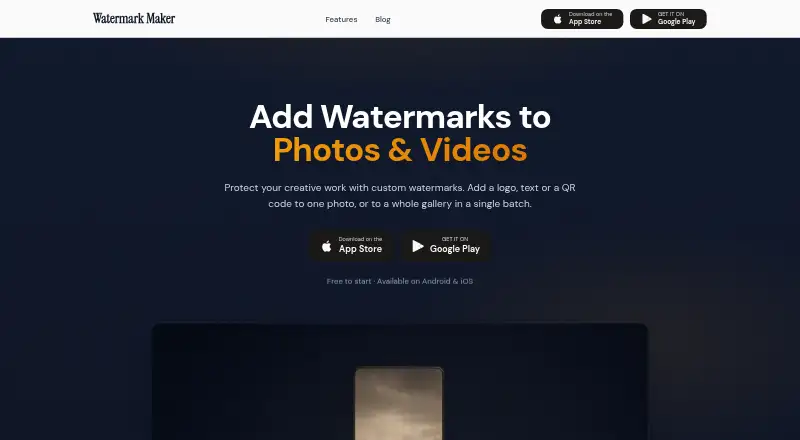
Watermark Maker is a mobile app for adding text, logo, image, QR-code and camera-information marks to photos and other media. It is aimed at photographers, content creators, e-commerce sellers, real estate agents and small businesses that need to brand or identify visual assets from a phone or tablet. The app is available on Android and iOS; the iOS listing uses the name Watermark Kit: Photo Video PDF.
Its strongest area is control over how marks are applied. Users can create reusable named templates, import logos or images, choose from 31 built-in fonts, and adjust position, scale, opacity and tiled layouts. Shot On stamps can use EXIF data, while QR-code watermarks extend the app beyond basic branding. On-device processing keeps files from being uploaded to the cloud, which suits workflows where local handling is preferred. Batch processing also helps when multiple photos need the same treatment.
The Free plan includes text and logo watermarking, small-batch processing, tiling and social-media export presets. Premium adds unlimited batch processing, video and PDF watermarking, QR-code watermarking, Shot On camera stamps and the full font library. That structure makes the free tier suitable for occasional photo marking, while frequent creators and businesses will need Premium for broader media support or higher-volume work. Watermark Maker is a sensible choice for mobile-first watermarking with templates and media flexibility; users who need desktop platforms or wider ecosystem coverage should consider another tool.
Watermark Maker pricing
All 2 Watermark Maker plans and prices →
Watermark Maker fact sheet
| Free plan | Yes |
|---|---|
| Paid from | Not verified |
| Batch watermarking | Yes |
| Maximum batch size | Not verified |
| Logo marks | Yes |
| Signature marks | Yes |
| Watermark presets | Yes |
| Supported platforms | Android, iOS |
| API access | Not verified |
| Deployment | Mobile |
| Platforms | iOS, Android |
| Support | |
| Built for | Solo, Small business, Mid-market (editorial estimate) |
| Pricing | Free plan (source) |
| Website | watermarkmaker.app |
| Facts checked | 20 Sep 2026 |
Alternatives to Watermark Maker
- WatermarklyA capable choice for very large cross-platform batches, with a useful free plan.9.4
- eZy WatermarkA feature-rich freemium watermarking tool for mobile creators and businesses.9.2
- iWatermarkA broad watermarking toolkit for users who need batch processing and advanced mark types.9.0



See all Watermark Maker alternatives →
Used Watermark Maker? Be the first to review it
The editor score above is our own research. What this page doesn't have yet is a reader's view — what you used Watermark Maker for, what worked and what didn't. No stars are seeded and no review is paid for; an editor reads every one before it appears.
Write a reviewTwo minutes · verified accounts only · read by an editor before it appears
Featured on iTechGuides

Watermark Maker is listed in our Photo Watermarking Software directory. Add the badge to your site — it links back to this page.
<a href="https://www.itechguides.com/products/watermark-maker/"><img src="https://www.itechguides.com/best/badge/watermark-maker.svg" alt="Featured on iTechGuides" width="230" height="46"></a>
Reviewed by iTechGuides Editors · Editorial team · Updated Oct 2026
Advertiser disclosure: iTechGuides is reader-supported. Vendors can pay for top positions in our rankings and for a place on other products' pages, and we may earn a commission when you click some links. How we rank.
Last updated · How we research and update