
Swift Calcs
Swift Calcs: A capable collaborative engineering calculator, priced for teams rather than casual problem solving. Ranked #58 of 68 in Math Solver Apps by our editors (5.0/10); pricing: 10-day trial; best for engineering teams needing collaborative calculations.
At a glance
- Editor score5.0 / 10
- Pricing10-day trial
- Best forEngineering teams needing collaborative calculations
- Free planNo
- Paid from$25/user/mo
- Facts checked22 Sep 2026
Where it wins
- Human-readable equations with unit conversion and consistency checking
- Symbolic calculus, numerical methods, and engineering reference data
- Shared worksheets, revision history, and CAD integrations
Where it doesn't
- Starts at $25 per user per month with no free plan
- Runs in a web browser rather than offline
- Does not provide guided solving for general math problems
Our verdict on Swift Calcs
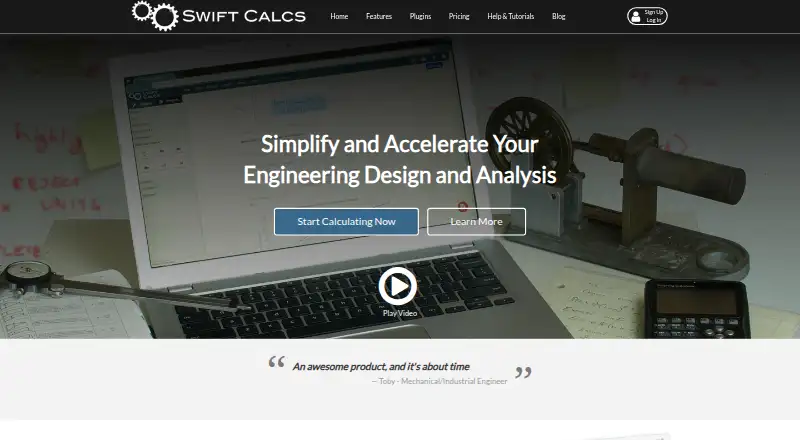
Swift Calcs is a browser-based engineering calculation environment for individuals and teams. It is designed for engineering design and analysis, with human-readable mathematical expressions that avoid LaTeX or programming syntax. The product combines unit conversion, simplification and consistency checking with symbolic calculus, numerical methods, engineering equations and reference data. Real-time recalculation updates results when inputs or equations change, while shared worksheets support view and edit permissions.
Pricing is organized into two monthly plans. Professional costs $25 per user per month and includes human-readable mathematics, an advanced math engine, full unit support, collaborative worksheets, and Onshape and Autodesk Fusion 360 plugins. Business costs $45 per user per month and includes the same mathematical and integration capabilities, with team sharing options in place of collaborative worksheets. A 10-day free trial provides a way to evaluate the product before committing, but there is no free plan. That structure makes Swift Calcs more suitable for professional engineering work than for occasional students or casual calculations.
The strongest fit is for teams that need calculations to remain readable, shareable and connected to design workflows. Cloud storage and revision history provide continuity across worksheet changes, while Onshape and Autodesk Fusion 360 integrations connect calculations with two engineering platforms. The product stays focused on browser-based engineering work and does not offer offline access or guided solving. Choose Swift Calcs when collaboration, unit-aware engineering math and design-platform connections matter; choose another math solver when step-by-step guidance, offline use or a free entry point is more important.
Your product? Our editors can test Swift Calcs in depth and publish a review, labelled as paid · from $149/mo →
Swift Calcs pricing
All 2 Swift Calcs plans and prices →
Swift Calcs fact sheet
| Free plan | No |
|---|---|
| Paid from | $25/user/mo |
| Photo input | Not verified |
| Handwriting input | Not verified |
| Step-by-step explanations | Not verified |
| Subject coverage | Broad |
| Platform coverage | Web |
| Offline mode | No |
| Free trial | 10 days |
| Deployment | Cloud, Browser extension |
| Platforms | Web |
| Support | Email, Community, Docs |
| Built for | Solo, Small business, Mid-market, Enterprise (editorial estimate) |
| Integrations | 2 integrations: Onshape, Autodesk Fusion 360 |
| Pricing | 10-day trial (source) |
| Website | swiftcalcs.com |
| Facts checked | 22 Sep 2026 |
Swift Calcs integrations
Swift Calcs lists 2 integrations on its own site.
- Onshape
- Autodesk Fusion 360
Alternatives to Swift Calcs
- Maple CalculatorA broad mobile solver with camera and handwriting input, plus offline graphing.9.4
- SymbolabA broad math study tool pairing worked solutions with practice, graphing and photo input.9.2
- GeoGebraA broad, free mathematics toolkit with adaptive practice, classroom tools, and offline apps.9.1


See all Swift Calcs alternatives →
Used Swift Calcs? Be the first to review it
The editor score above is our own research. What this page doesn't have yet is a reader's view — what you used Swift Calcs for, what worked and what didn't. No stars are seeded and no review is paid for; an editor reads every one before it appears.
Write a reviewTwo minutes · verified accounts only · read by an editor before it appears
Featured on iTechGuides

Swift Calcs is listed in our Math Solver Apps directory. Add the badge to your site — it links back to this page.
<a href="https://www.itechguides.com/products/swift-calcs/"><img src="https://www.itechguides.com/best/badge/swift-calcs.svg" alt="Featured on iTechGuides" width="230" height="46"></a>
Reviewed by iTechGuides Editors · Editorial team · Updated Oct 2026
Advertiser disclosure: iTechGuides is reader-supported. Vendors can pay for top positions in our rankings and for a place on other products' pages, and we may earn a commission when you click some links. Bought places stand at the number bought; this page and our disclosure say so. Paying vendors may get a fuller, more detailed review from our editors, and that review can change their score. How we rank.
Last updated · How we research and update