
Spelling Boost
Spelling Boost: A focused Android spelling app for families who want dictation and corrective practice. Ranked #5 of 25 in Spelling Apps by our editors (7.4/10); pricing: Free plan; best for android families focused on dictation.
At a glance
- Editor score7.4 / 10
- PricingFree plan
- Best forAndroid families focused on dictation
- Free planYes
- Offline accessYes
- Facts checked20 Sep 2026
Where it wins
- Build lists by typing, pasting, or scanning printed and handwritten worksheets
- Combines dictation, handwriting, keyboard input, and automatic corrections
- Supports adaptive review, reports, reminders, and offline practice
Where it doesn't
- Available only on Android devices
- Camera scanning is part of the optional paid features
- Designed for individual practice rather than teacher-led class management
Our verdict on Spelling Boost
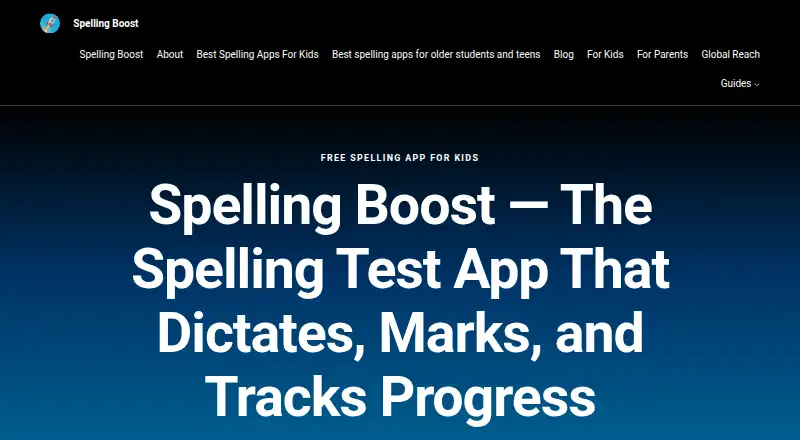
Spelling Boost is an Android spelling-practice app for children, families, and independent learners. It turns custom spelling lists into audio dictation tests and can also scan printed or handwritten worksheets. Learners can answer with on-screen handwriting or a keyboard, then receive automatic marking with side-by-side corrections. The app also supports sentence and passage dictation, checking spelling, capitalization, punctuation, and spacing alongside individual words.
Its strongest fit is a family spelling workflow that needs more than simple word quizzes. Adaptive Tricky Words sessions focus review on difficult items, while progress reports, practice history, and test-date reminders help organize ongoing work. Audio dictation uses the device’s text-to-speech voices, and practice can continue offline after installation. These features make Spelling Boost suitable for learners who need repeated dictation and corrective practice without relying on a live teacher during every session.
The free plan covers core features, while optional in-app purchases and subscriptions add camera scanning, AI-generated definitions, example sentences, and ad removal. That structure gives families a way to start with list creation, dictation, answer marking, and progress tracking before considering paid additions. Spelling Boost is a good choice for Android households focused on individual spelling development, particularly when handwriting, dictation, and offline access matter. It is less suitable for users on other platforms or for schools seeking dedicated teacher tools and class-management workflows.
Spelling Boost pricing
Spelling Boost fact sheet
| Free plan | Yes |
|---|---|
| Paid from | Not verified |
| Phonics instruction | Yes |
| Dictation practice | Yes |
| Corrective practice | Yes |
| Teacher dashboard | Not verified |
| Offline access | Yes |
| Word-list import | Yes |
| Deployment | Mobile |
| Platforms | Android |
| Support | Email, Docs |
| Built for | Solo, Small business (editorial estimate) |
| Pricing | Free plan |
| Website | spellingboost.com |
| Facts checked | 20 Sep 2026 |
Alternatives to Spelling Boost
- Spelling.LiveA free, flexible spelling tool with adaptive practice, dictation and classroom reporting.9.0
- SpellMeA broad spelling platform combining phonics, adaptive practice, AI tools, and teacher dashboards.9.0
- Spelling ShedA curriculum-led spelling platform with strong diagnostics, reporting, and offline learning.8.4

See all Spelling Boost alternatives →
Spelling Boost vs the competition
- Spelling Boost vs Spelling.Live
- Spelling Boost vs SpellMe
- Spelling Boost vs Spelling Shed
- Spelling Boost vs DoodleSpell
- Spelling Boost vs Spello
- Spelling Boost vs PenPoints


Compare Spelling Boost with any tool side by side →
Used Spelling Boost? Be the first to review it
The editor score above is our own research. What this page doesn't have yet is a reader's view — what you used Spelling Boost for, what worked and what didn't. No stars are seeded and no review is paid for; an editor reads every one before it appears.
Write a reviewTwo minutes · verified accounts only · read by an editor before it appears
Featured on iTechGuides

Spelling Boost is listed in our Spelling Apps directory. Add the badge to your site — it links back to this page.
<a href="https://www.itechguides.com/products/spelling-boost/"><img src="https://www.itechguides.com/best/badge/spelling-boost.svg" alt="Featured on iTechGuides" width="230" height="46"></a>
Reviewed by iTechGuides Editors · Editorial team · Updated Sep 2026
Advertiser disclosure: iTechGuides is reader-supported. We may earn a commission when you click some links. How we rank.
Last updated · How we research and update