SIC! — Simple Image Converter
SIC! — Simple Image Converter: A free, open-source Windows converter for batch image conversion and resizing. Ranked #21 of 36 in Image Converter Software by our editors (6.7/10); pricing: Free plan; best for simple free batch conversion on Windows.
At a glance
- Editor score6.7 / 10
- PricingFree plan
- Best forSimple free batch conversion on Windows
- Free planYes
- Paid fromFree
- Batch conversionYes
- Facts checked23 Sep 2026
Where it wins
- Batch-converts images to JPG, PNG, WebP, ICO, BMP, TIFF, GIF, and AVIF
- Reads HEIC/HEIF input and supports resizing or exact-dimension cropping
- Offers both a graphical interface and command-line conversion mode
Where it doesn't
- Runs on Windows only
- Supports eight listed output formats, limiting format breadth
- Desktop software only; no web app or API access
Our verdict on SIC! — Simple Image Converter
SIC! — Simple Image Converter is a free, open-source Windows desktop app for converting and resizing image files. It suits solo users and small teams that want a straightforward batch workflow, including people who need to convert HEIC/HEIF input or create multi-size ICO files. Images can be brought in from files, folders, the clipboard, drag-and-drop, or links, and converted files can be saved to a chosen location. The project also describes screen-reader-friendly labels and keyboard navigation, making accessibility part of the app’s stated interface design.
Its feature set reaches beyond format changes without becoming a general-purpose image editor. SIC! can resize while keeping proportions or crop to exact dimensions, and it offers both a graphical interface and command-line conversion mode. Portable mode stores application data alongside the executable. These options make it a practical fit for repeated local conversion tasks, including command-line workflows, while its scope remains focused on conversion and resizing. It is a desktop product for Windows rather than a web service, and it has no API access.
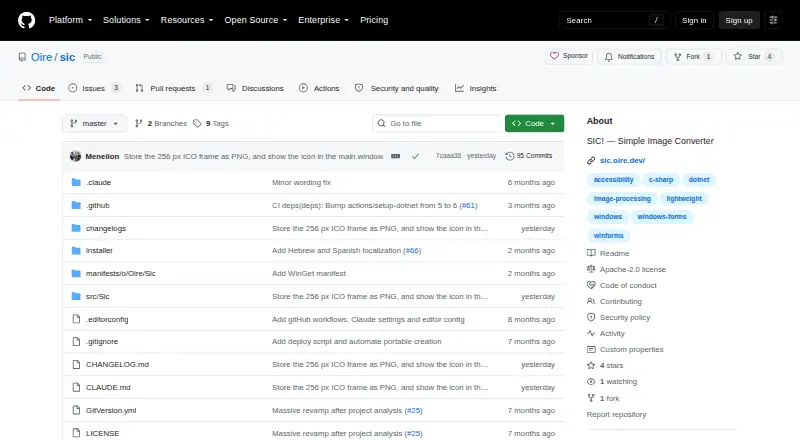
The project is free and open source, with the repository naming the Apache License 2.0 and pointing users to GitHub releases or installation through winget. That keeps the buying decision simple: there are no paid tiers to weigh, but users should check whether the listed inputs and outputs cover their workflow. Choose SIC! for free batch conversion on Windows, particularly when resizing, HEIC/HEIF input, or ICO output matters. Look elsewhere if you need a web-based converter, API access, or broader platform support.
Your product? Our editors can test SIC! — Simple Image Converter in depth and publish a review, labelled as paid · from $149/mo →
SIC! — Simple Image Converter pricing
SIC! — Simple Image Converter fact sheet
| Free plan | Yes |
|---|---|
| Paid from | Free |
| Batch conversion | Yes |
| Image resizing | Yes |
| Color mode conversion | Not verified |
| API access | No |
| Desktop application | Yes |
| Web application | No |
| Supported formats | 8 formats |
| Deployment | Desktop |
| Platforms | Windows |
| Built for | Solo, Small business (editorial estimate) |
| Pricing | Free plan |
| Website | github.com |
| Facts checked | 23 Sep 2026 |
Alternatives to SIC! — Simple Image Converter
- XnConvertA broad local converter for automated batch workflows, with free noncommercial use.9.4
- ImageMagickA highly capable command-line converter for developers building automated image pipelines.9.2
- GraphicsMagickA capable free converter for scripted, multi-file image workflows.8.9


See all SIC! — Simple Image Converter alternatives →
Used SIC! — Simple Image Converter? Be the first to review it
The editor score above is our own research. What this page doesn't have yet is a reader's view — what you used SIC! — Simple Image Converter for, what worked and what didn't. No stars are seeded and no review is paid for; an editor reads every one before it appears.
Write a reviewTwo minutes · verified accounts only · read by an editor before it appears
Featured on iTechGuides

SIC! — Simple Image Converter is listed in our Image Converter Software directory. Add the badge to your site — it links back to this page.
<a href="https://www.itechguides.com/products/sic-simple-image-converter/"><img src="https://www.itechguides.com/best/badge/sic-simple-image-converter.svg" alt="Featured on iTechGuides" width="230" height="46"></a>
Reviewed by iTechGuides Editors · Editorial team · Updated Oct 2026
Advertiser disclosure: iTechGuides is reader-supported. Vendors can pay for top positions in our rankings and for a place on other products' pages, and we may earn a commission when you click some links. Bought places stand at the number bought; this page and our disclosure say so. Paying vendors may get a fuller, more detailed review from our editors, and that review can change their score. How we rank.
Last updated · How we research and update