PicGIF
PicGIF: A focused Mac GIF editor with flexible media controls and a clear one-time price. Ranked #27 of 33 in GIF Maker Software by our editors (6.6/10); pricing: Paid; best for straightforward Mac GIF creation.
At a glance
- Editor score6.6 / 10
- PricingPaid
- Best forStraightforward Mac GIF creation
- Free planNo
- Paid from$19.99 one-time
- Supported platformsmacOS
- Founded2006
- Facts checked23 Sep 2026
Where it wins
- Combines photos, videos, and existing GIFs in one animation
- Offers trimming, timing, effects, stickers, and text customization
- Exports to Finder and shares through Tumblr, email, and iMessage
Where it doesn't
- Available only for macOS
- No free plan is offered
- Sharing integrations are limited to Tumblr, email, and iMessage
Our verdict on PicGIF
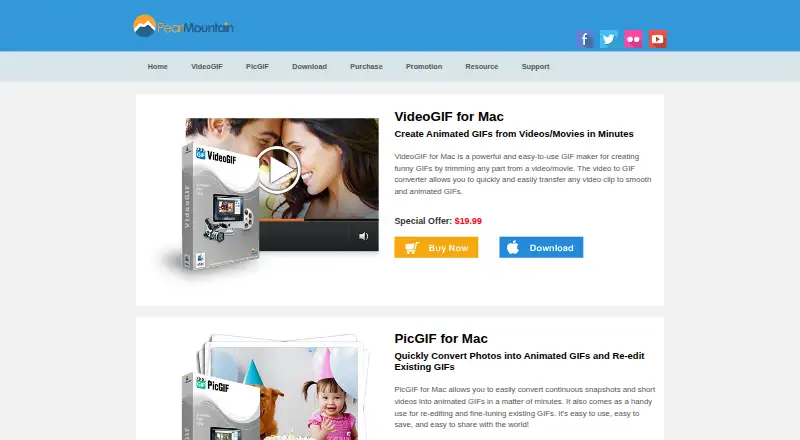
PicGIF is a macOS desktop application for creating animated GIFs from photos and short videos. It also re-edits existing GIFs and combines images, GIFs, and videos in one animation. The product is intended for Mac users who want a focused tool for making and editing short animated images, rather than a broader cross-platform GIF workflow.
The published pricing shows one paid plan: the Single-User Personal License costs $19.99 as a one-time purchase. This plan removes product limitations and includes lifetime support plus a 30-day money-back guarantee. There is no free plan, but the one-time structure gives buyers a defined cost instead of a recurring subscription. For someone creating GIFs regularly on a Mac, the license covers the core editing functions, including video trimming, GIF size and speed controls, frame delay, playback sequence, and export-quality optimization.
PicGIF’s main strength is its focused editing toolkit. Users can add customizable text and stickers, apply image effects and adjustments, preview results in real time, and export to Finder. Sharing is available through Tumblr, email, and iMessage. The product’s platform fit is narrow: it supports macOS, so it suits Mac users who want a desktop application but not people looking for Windows or broader platform support. Choose PicGIF if you need photo, video, and existing-GIF editing in one Mac application at a one-time price. Consider an alternative if a free plan, wider platform availability, or a broader set of sharing integrations is important.
Your product? Our editors can test PicGIF in depth and publish a review, labelled as paid · from $149/mo →
PicGIF pricing
All 1 PicGIF plans and prices →
PicGIF fact sheet
| Free plan | No |
|---|---|
| Paid from | $19.99 one-time |
| Video import | Yes |
| Screen recording | Not verified |
| Watermark-free export | Yes |
| Transparent GIF export | Not verified |
| Maximum file size | Not verified |
| Maximum GIF duration | Not verified |
| Supported platforms | macOS |
| Money-back guarantee | 30 days |
| Deployment | Desktop |
| Platforms | macOS |
| Support | |
| Built for | Solo, Small business (editorial estimate) |
| Pricing | Paid (source) |
| Website | macgifmaker.com |
| Facts checked | 23 Sep 2026 |
Alternatives to PicGIF
- EzgifA free, watermark-free browser toolkit covering GIF creation, editing, conversion, and optimization.9.4
- GGIFFA deep free browser editor for animated visuals, with no screen-recording workflow.9.2
- ImgPlayA versatile mobile GIF editor with broad media imports, exports, and sharing options.9.1


Used PicGIF? Be the first to review it
The editor score above is our own research. What this page doesn't have yet is a reader's view — what you used PicGIF for, what worked and what didn't. No stars are seeded and no review is paid for; an editor reads every one before it appears.
Write a reviewTwo minutes · verified accounts only · read by an editor before it appears
Featured on iTechGuides

PicGIF is listed in our GIF Maker Software directory. Add the badge to your site — it links back to this page.
<a href="https://www.itechguides.com/products/picgif/"><img src="https://www.itechguides.com/best/badge/picgif.svg" alt="Featured on iTechGuides" width="230" height="46"></a>
Reviewed by iTechGuides Editors · Editorial team · Updated Oct 2026
Advertiser disclosure: iTechGuides is reader-supported. Vendors can pay for top positions in our rankings and for a place on other products' pages, and we may earn a commission when you click some links. Bought places stand at the number bought; this page and our disclosure say so. Paying vendors may get a fuller, more detailed review from our editors, and that review can change their score. How we rank.
Last updated · How we research and update