
PhotoBulk
PhotoBulk: A focused desktop tool for watermarking, resizing, and preparing image batches. Ranked #33 of 37 in Batch Photo Processing Software by our editors (6.0/10); pricing: Paid; best for simple watermarking and resizing on desktop.
At a glance
- Editor score6.0 / 10
- PricingPaid
- Best forSimple watermarking and resizing on desktop
- Free planNo
- RAW processingYes
- Facts checked21 Sep 2026
Where it wins
- Watermarks with text, images, scripts, and date stamps
- Resizes by dimensions, percentage, maximum size, or custom settings
- Presets, previews, optimization, renaming, and format conversion
Where it doesn't
- No free plan; PhotoBulk is paid-only
- Automation is preset-based rather than broader workflow automation
- The Windows edition supports Windows 10 or earlier
Our verdict on PhotoBulk
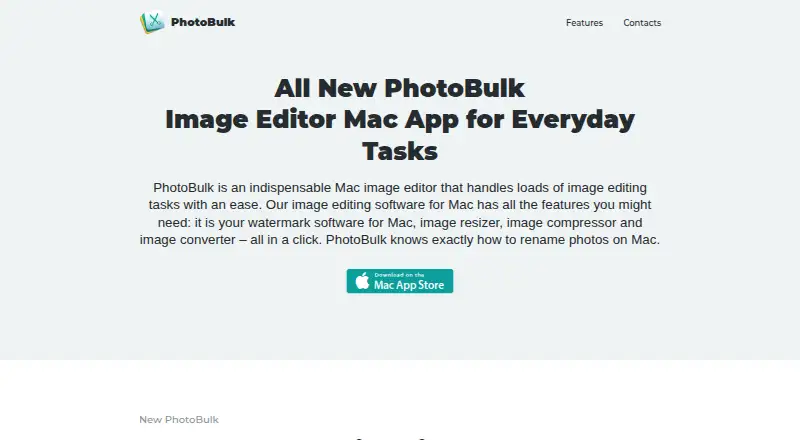
PhotoBulk is desktop software for processing many images at once on macOS and Windows. It is suited to photographers, web publishers, and others managing photo collections who need straightforward batch preparation rather than a broader image-editing environment. Core tasks include watermarking, resizing, optimization, renaming, conversion, metadata controls, previews, and reusable presets. The two editions are PhotoBulk for Mac and PhotoBulk for Windows PRO, with a starting price of 9.99 and no free plan.
Its strongest area is practical batch preparation. Watermarks can combine text, images, scripts, and date stamps, while resizing supports width, height, percentage, maximum size, and custom dimensions. JPEG and PNG optimization, sequential renaming, and conversion among JPG, PNG, GIF, BMP, and TIFF cover common publishing workflows. Metadata can be included or removed, and real-time previews help show the effect of changes before processing. Presets provide a repeatable way to apply settings across batches.
PhotoBulk fits buyers who want focused desktop processing with a short list of recurring image tasks across macOS or Windows. It is less suited to teams seeking a broader workflow platform, deeper editing capabilities, or automation beyond reusable presets. The platform choice also matters: the Mac edition supports macOS 10.10 or later, while the Windows edition supports Windows 10 or earlier. Choose PhotoBulk when watermarking, resizing, optimization, renaming, and conversion are the priority; consider an alternative when collaboration, wider automation, or more extensive editing depth is central to the workflow.
Your product? Our editors can test PhotoBulk in depth and publish a review, labelled as paid · from $149/mo →
PhotoBulk pricing
All 2 PhotoBulk plans and prices →
PhotoBulk fact sheet
| Free plan | No |
|---|---|
| Paid from | Not verified |
| RAW processing | Yes |
| Bulk renaming | Yes |
| Bulk resizing | Yes |
| Output formats | JPG, PNG, GIF, BMP, TIFF |
| Supported platforms | macOS, Windows |
| Watched folders | Not verified |
| Batch automation level | Preset-based |
| Deployment | Desktop |
| Platforms | Windows, macOS |
| Support | Email, Docs |
| Built for | Solo, Small business (editorial estimate) |
| Pricing | Paid (source) |
| Website | photobulkeditor.com |
| Facts checked | 21 Sep 2026 |
Alternatives to PhotoBulk
- XnConvertA low-cost desktop tool for automated, multi-format batch image processing.9.4
- ImageMagickA capable command-line toolkit for developers building automated image pipelines.9.2
- BatchPhotoA capable desktop batch processor for high-volume conversion and repeatable image workflows.9.0


See all PhotoBulk alternatives →
Used PhotoBulk? Be the first to review it
The editor score above is our own research. What this page doesn't have yet is a reader's view — what you used PhotoBulk for, what worked and what didn't. No stars are seeded and no review is paid for; an editor reads every one before it appears.
Write a reviewTwo minutes · verified accounts only · read by an editor before it appears
Featured on iTechGuides

PhotoBulk is listed in our Batch Photo Processing Software directory. Add the badge to your site — it links back to this page.
<a href="https://www.itechguides.com/products/photobulk/"><img src="https://www.itechguides.com/best/badge/photobulk.svg" alt="Featured on iTechGuides" width="230" height="46"></a>
Reviewed by iTechGuides Editors · Editorial team · Updated Oct 2026
Advertiser disclosure: iTechGuides is reader-supported. Vendors can pay for top positions in our rankings and for a place on other products' pages, and we may earn a commission when you click some links. Bought places stand at the number bought; this page and our disclosure say so. Paying vendors may get a fuller, more detailed review from our editors, and that review can change their score. How we rank.
Last updated · How we research and update