Opus
Opus: A repository-focused digitization system with deep metadata, OCR, and archival workflows. Ranked #30 of 30 in Photo Scanning Software by our editors (5.8/10); pricing: Pricing on request; best for repository-scale digitization management.
At a glance
- Editor score5.8 / 10
- PricingPricing on request
- Best forRepository-scale digitization management
- Photo organizationYes
- Facts checked20 Sep 2026
Where it wins
- Automates skew, border, fan, gutter, and book-curve correction
- Supports hierarchical metadata, OCR, full-text search, and derivatives
- Exports to D-Space, CONTENTdm, Fedora, OAI-PMH, and other formats
Where it doesn't
- Contact-sales pricing makes self-service purchase less straightforward
- Its repository focus may exceed the needs of simple photo scanning
- No AI features are included
Our verdict on Opus
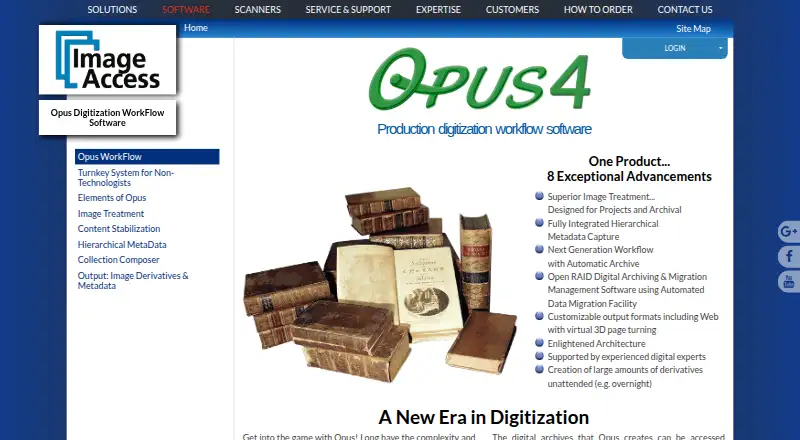
Opus is production digitization workflow software for libraries, museums, archives, and organizations creating digital collections. It covers scanning workflows, image treatment, metadata capture, archival stages, collection composition, derivative generation, OCR, and migration. That makes it a strong fit for institutional teams managing structured digitization projects rather than for individuals seeking a lightweight photo-scanning application.
The standout strength is its breadth across the digitization lifecycle. Opus supports automatic and manual image treatment, including skew, border, fan, gutter, and book-curve correction. Configurable templates support hierarchical metadata capture, while raw files, treated images, and metadata can be archived. OCR enables full-text search, and the software can generate derivatives and migrate data to new formats. Its export options span image, document, text, audio, XML, METS, MODS, and Dublin Core formats. The published purchasing model is contact sales, so organizations should expect a sales-led evaluation rather than a self-service subscription comparison.
Repository and library-system fit is another important consideration. Opus integrates with D-Space, CONTENTdm, Fedora, Re-Discovery, OAI-PMH, and OAI-ORE, and it outputs digital-library and repository formats. The vendor presents it as a turnkey, on-premises digitization system, with support for multiple workflow workstations and third-party image editors. Choose Opus when metadata structure, archival preservation, OCR, migration, and repository delivery are central requirements. A simpler photo-scanning workflow may be a better choice for users who do not need institutional collection management, and organizations seeking AI-based features should look elsewhere.
Your product? Our editors can test Opus in depth and publish a review, labelled as paid · from $149/mo →
Opus pricing
Opus fact sheet
| Free plan | Not verified |
|---|---|
| Paid from | Not verified |
| Auto-crop | Yes |
| Deskew correction | Yes |
| Auto enhancement | Yes |
| Photo organization | Yes |
| OCR support | Yes |
| Export formats | TIFF, JPEG, PDF, PDF/A, PNG, GIF, rich text, ASCII, Unicode, audio, XML, METS, MODS, Dublin Core |
| Supported platforms | Not verified |
| Support | Email, Phone |
| Built for | Mid-market, Enterprise (editorial estimate) |
| Integrations | 6 integrations: D-Space, CONTENTdm, Fedora, Re-Discovery, OAI-PMH, OAI-ORE |
| Pricing | Pricing on request (source) |
| Website | imageaccess.com |
| Facts checked | 20 Sep 2026 |
Opus integrations
Opus lists 6 integrations on its own site.
- D-Space
- CONTENTdm
- Fedora
- Re-Discovery
- OAI-PMH
- OAI-ORE
Alternatives to Opus
- Epson FastFotoA capable batch-scanning bundle for large home photo archives, with a high upfront cost.9.4
- Photo Scan by PhotomyneA capable phone-based scanner for turning printed photos into organized digital albums.9.2
- NostalgiaA family-photo archive with phone scanning, AI restoration, and genealogy integrations.9.0


Used Opus? Be the first to review it
The editor score above is our own research. What this page doesn't have yet is a reader's view — what you used Opus for, what worked and what didn't. No stars are seeded and no review is paid for; an editor reads every one before it appears.
Write a reviewTwo minutes · verified accounts only · read by an editor before it appears
Featured on iTechGuides

Opus is listed in our Photo Scanning Software directory. Add the badge to your site — it links back to this page.
<a href="https://www.itechguides.com/products/opus/"><img src="https://www.itechguides.com/best/badge/opus.svg" alt="Featured on iTechGuides" width="230" height="46"></a>
Reviewed by iTechGuides Editors · Editorial team · Updated Oct 2026
Advertiser disclosure: iTechGuides is reader-supported. Vendors can pay for top positions in our rankings and for a place on other products' pages, and we may earn a commission when you click some links. Bought places stand at the number bought; this page and our disclosure say so. Paying vendors may get a fuller, more detailed review from our editors, and that review can change their score. How we rank.
Last updated · How we research and update