MP3 Cutter
MP3 Cutter: A focused offline cutter and converter, but limited to Windows and basic editing needs. Ranked #118 of 128 in Audio Editing Software by our editors (3.0/10); pricing: Paid; best for basic offline audio cutting and conversion.
At a glance
- Editor score3.0 / 10
- PricingPaid
- Best forBasic offline audio cutting and conversion
- Paid from$39.95 one-time
- Facts checked22 Sep 2026
Where it wins
- Cuts and splits audio files offline
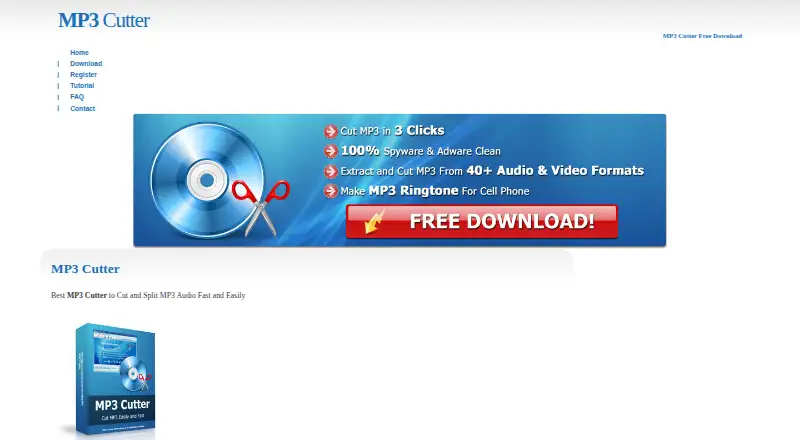
- Supports more than 40 audio and video formats
- Extracts audio from video and creates ringtones
Where it doesn't
- Windows-only desktop coverage
- Costs $39.95 as a one-time purchase
- Not positioned for multitrack, effects, or plugin-based editing
Our verdict on MP3 Cutter
MP3 Cutter is a Windows desktop utility for cutting and splitting MP3, audio, and video files into smaller pieces. It is aimed at people who need straightforward offline trimming, format conversion, audio extraction, or ringtone creation rather than a full professional audio-production workstation. The software processes files locally, so its core use case is simple file editing without cloud uploads.
Pricing is limited to one plan: the Single License costs $39.95 as a one-time purchase and includes a lifetime license. The published plan structure is easy to understand, but the price places MP3 Cutter above the needs of users seeking only occasional basic edits. There is no separate subscription tier or broader plan structure described. For buyers who want a permanent Windows utility and expect to use its cutting, conversion, and extraction features repeatedly, the one-time model keeps ongoing payments out of the workflow.
Its main strength is focused format handling. MP3 Cutter supports more than 40 audio and video formats, can convert between supported formats, cuts video files into smaller audio pieces, and creates ringtones. That breadth makes it practical for file preparation and personal audio tasks. The trade-off is a narrow editing scope: it is not positioned around multitrack production, effects, or plugin features. Windows users who need offline cutting and conversion should find the feature set aligned with that purpose; users seeking professional audio production or broader platform coverage should choose an alternative.
Your product? Our editors can test MP3 Cutter in depth and publish a review, labelled as paid · from $149/mo →
MP3 Cutter pricing
All 1 MP3 Cutter plans and prices →
MP3 Cutter fact sheet
| Free plan | Not verified |
|---|---|
| Paid from | $39.95 one-time |
| Supported platforms | Windows XP, 2000, Vista, 7, 8, 10 or later |
| Multitrack editing | Not verified |
| MIDI sequencing | Not verified |
| Third-party plugins | Not verified |
| Noise reduction | Not verified |
| Video synchronization | Not verified |
| Cloud collaboration | No |
| Deployment | Desktop |
| Platforms | Windows |
| Support | Email, Phone, Docs · 24/7 |
| Built for | Solo, Small business (editorial estimate) |
| Pricing | Paid (source) |
| Website | mp3cutter.org |
| Facts checked | 22 Sep 2026 |
Alternatives to MP3 Cutter
- Pro ToolsA broad workstation for studios spanning music production, audio post, and immersive mixing.9.4
- REAPERA flexible desktop DAW with broad audio and MIDI tools and a one-time license from $60.9.3
- Logic ProA broad audio and MIDI workstation for Apple-based producers and video composers.9.2


See all MP3 Cutter alternatives →
Used MP3 Cutter? Be the first to review it
The editor score above is our own research. What this page doesn't have yet is a reader's view — what you used MP3 Cutter for, what worked and what didn't. No stars are seeded and no review is paid for; an editor reads every one before it appears.
Write a reviewTwo minutes · verified accounts only · read by an editor before it appears
Featured on iTechGuides

MP3 Cutter is listed in our Audio Editing Software directory. Add the badge to your site — it links back to this page.
<a href="https://www.itechguides.com/products/mp3-cutter/"><img src="https://www.itechguides.com/best/badge/mp3-cutter.svg" alt="Featured on iTechGuides" width="230" height="46"></a>
Reviewed by iTechGuides Editors · Editorial team · Updated Oct 2026
Advertiser disclosure: iTechGuides is reader-supported. Vendors can pay for top positions in our rankings and for a place on other products' pages, and we may earn a commission when you click some links. Bought places stand at the number bought; this page and our disclosure say so. Paying vendors may get a fuller, more detailed review from our editors, and that review can change their score. How we rank.
Last updated · How we research and update