
Mail Passport Pro
Mail Passport Pro: A Windows file converter for turning Mac email formats into PST while retaining message details. Ranked #24 of 25 in Email Migration Software by our editors (6.5/10); pricing: Paid; best for windows users converting email files to PST.
At a glance
- Editor score6.5 / 10
- PricingPaid
- Best forWindows users converting email files to PST
- Free planNo
- Paid from$49 one-time
- Tenant-to-tenant movesNo
- Facts checked23 Sep 2026
Where it wins
- Converts Apple Mail, Thunderbird, Postbox, Entourage, OLM, MBOX and EML to PST
- Bulk conversion can process multiple files
- Preserves message details and maps the source folder hierarchy
Where it doesn't
- Focused on file conversion, not mailbox-to-mailbox migration
- Windows desktop utility; no macOS platform is listed
- No free plan; household licensing excludes organizational and commercial use
Our verdict on Mail Passport Pro
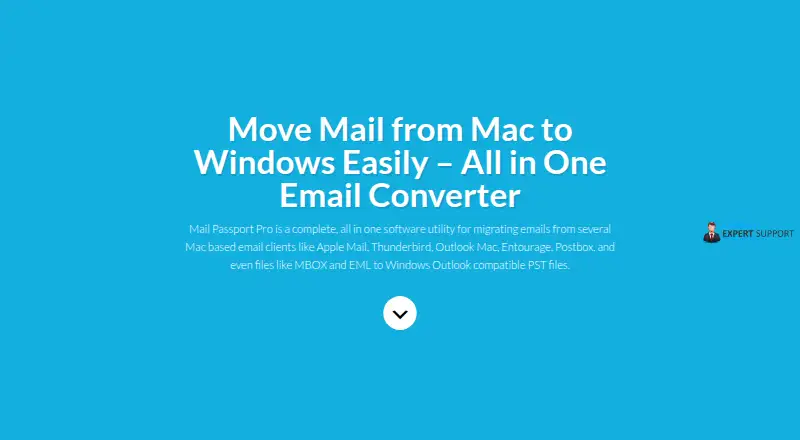
Mail Passport Pro is a Windows desktop utility for converting email files from Apple Mail, Thunderbird, Postbox, Entourage, Mac Outlook OLM, MBOX and EML into PST files for Outlook. It is aimed at people who need to move locally stored mail into a PST workflow, including Windows users handling Mac email archives. Its focus is file conversion rather than a hosted mailbox-to-mailbox migration service, so it suits archive conversion better than projects that require direct tenant-to-tenant transfers or staged migration.
The conversion features center on preserving context as well as message content. Mail Passport Pro supports bulk conversion of multiple files and says it retains email headers, dates, attachments, images, formatting and read/unread status. It also maps the source folder hierarchy into the output and detects Unicode text, including double-byte characters. These capabilities matter when a converted archive needs to remain navigable and messages need to keep their original attributes. The product is not a broader migration suite: the listed category specifications indicate no calendar or contacts migration, no Google Workspace support and no IMAP support. Microsoft 365 support refers to importing converted PST files into Office 365, rather than direct migration between tenants.
According to the vendor's pricing page, the one-time licenses are House Hold at $49, Commercial at $299 and Enterprise at $599. House Hold is limited to single-family household use; Commercial covers organizational and commercial use, including IT support technicians and computer repair shops; Enterprise is intended for conversions supporting 100+ employees. That makes the license choice depend on the use case, not only on conversion volume. Choose Mail Passport Pro for Windows-based PST conversion of supported mail files, especially when preserving folders and message details matters. Look elsewhere if the project requires a mailbox migration service, staged transfers, or calendar and contacts conversion.
Your product? Our editors can test Mail Passport Pro in depth and publish a review, labelled as paid · from $149/mo →
Mail Passport Pro pricing
All 3 Mail Passport Pro plans and prices →
Mail Passport Pro fact sheet
| Free plan | No |
|---|---|
| Paid from | $49 one-time |
| Calendar migration | No |
| Contacts migration | No |
| Tenant-to-tenant moves | No |
| Staged migration | No |
| Microsoft 365 support | Yes |
| Google Workspace support | No |
| IMAP support | No |
| Deployment | Desktop |
| Platforms | Windows |
| Support | Live chat, Email · 24/7 |
| Built for | Solo, Small business, Mid-market, Enterprise (editorial estimate) |
| Pricing | Paid (source) |
| Website | mailpassportpro.com |
| Facts checked | 23 Sep 2026 |
Alternatives to Mail Passport Pro
- CloudM MigrateA broad migration toolkit for complex Google Workspace and Microsoft 365 projects.8.9
- MigrationWizA broad migration platform for structured mailbox, tenant, Teams, and document moves.8.7
- CodeTwo Office 365 MigrationA Windows-focused migration tool for complex Microsoft 365 mailbox moves.8.5



See all Mail Passport Pro alternatives →
Used Mail Passport Pro? Be the first to review it
The editor score above is our own research. What this page doesn't have yet is a reader's view — what you used Mail Passport Pro for, what worked and what didn't. No stars are seeded and no review is paid for; an editor reads every one before it appears.
Write a reviewTwo minutes · verified accounts only · read by an editor before it appears
Featured on iTechGuides

Mail Passport Pro is listed in our Email Migration Software directory. Add the badge to your site — it links back to this page.
<a href="https://www.itechguides.com/products/mail-passport-pro/"><img src="https://www.itechguides.com/best/badge/mail-passport-pro.svg" alt="Featured on iTechGuides" width="230" height="46"></a>
Reviewed by iTechGuides Editors · Editorial team · Updated Oct 2026
Advertiser disclosure: iTechGuides is reader-supported. Vendors can pay for top positions in our rankings and for a place on other products' pages, and we may earn a commission when you click some links. Bought places stand at the number bought; this page and our disclosure say so. Paying vendors may get a fuller, more detailed review from our editors, and that review can change their score. How we rank.
Last updated · How we research and update