
JS Paint
JS Paint: A free, familiar pixel editor with broad format support and limited design depth. Ranked #127 of 148 in Graphic Design Software by our editors (3.0/10); pricing: Free plan; best for simple free pixel editing anywhere.
At a glance
- Editor score3.0 / 10
- PricingFree plan
- Best forSimple free pixel editing anywhere
- Free planYes
- Paid fromFree
- Brand kitNo
- Facts checked20 Sep 2026
Where it wins
- Works in browsers and offline desktop apps across major platforms
- Supports PNG, BMP, TIFF, PDF, WebP, GIF, JPEG, SVG, and ICO
- Includes touch controls, accessibility features, and rudimentary collaboration
Where it doesn't
- Limited design depth for advanced graphic design workflows
- No templates or brand-kit features
- Multi-user collaboration is rudimentary
Our verdict on JS Paint
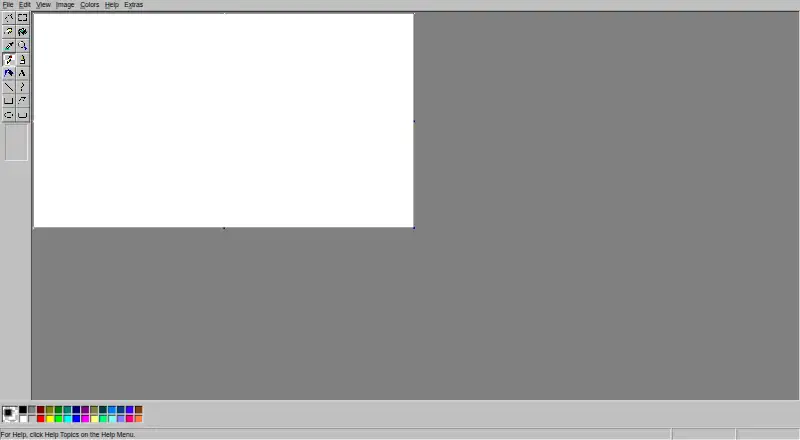
JS Paint is an open-source pixel-art and image-editing application that recreates Microsoft Paint tools and menus in a browser. It suits people who want familiar drawing, selection, text, color, and image-editing controls without a paid plan. The project runs on the web and offers desktop applications for Windows, macOS, and Linux, while its mobile Progressive Web App supports touch-oriented use on mobile devices. It is also available under the MIT License and can be deployed on a regular web server.
Its strongest fit is broad, straightforward image handling. JS Paint supports PNG, BMP, TIFF, PDF, WebP, GIF, JPEG, SVG, and ICO files, along with image transformations, URL-based image loading, and uploads to Imgur. Touch controls, pinch-to-zoom, fullscreen mode, and mobile-friendly interaction extend the basic editor beyond a desktop-only workflow. Accessibility features such as Dwell Clicker and Speech Recognition add further flexibility. Themes include classic, dark, modern, winter, occult, and bubblegum variants. These features make it a practical choice for quick pixel edits, simple drawings, and users who value an open-source tool that can work offline with native file handling.
The trade-off is focus. JS Paint provides the core capabilities of a familiar paint program, but it does not offer the broader design system found in tools built around templates, brand kits, or deeper layout workflows. Its multi-user collaboration sessions are rudimentary, so teams needing a more developed collaborative design environment should look elsewhere. Imgur, Firebase, CORS Anywhere, and the Internet Archive Wayback Machine provide ecosystem connections, while self-hosting and API availability support technical deployment options. Choose JS Paint for accessible, format-flexible pixel editing across devices; choose an alternative for advanced graphic design production or structured brand work.
Your product? Our editors can test JS Paint in depth and publish a review, labelled as paid · from $149/mo →
JS Paint pricing
JS Paint fact sheet
| Free plan | Yes |
|---|---|
| Paid from | Free |
| Template library | Not verified |
| Presentation design | Not verified |
| Illustration tools | Not verified |
| Brand kit | No |
| Real-time collaboration | Yes |
| Desktop app | Yes |
| Mobile app | Not verified |
| Deployment | Cloud, Self-hosted, Desktop, Mobile |
| Platforms | Web, Windows, macOS, Linux, iOS, Android |
| Support | Email, Community, Docs |
| Built for | Solo, Small business (editorial estimate) |
| Integrations | 4 integrations: Imgur, Firebase, CORS Anywhere, Internet Archive Wayback Machine |
| Pricing | Free plan |
| Website | jspaint.app |
| Facts checked | 20 Sep 2026 |
JS Paint integrations
JS Paint lists 4 integrations on its own site.
- Imgur
- Firebase
- CORS Anywhere
- Internet Archive Wayback Machine
Alternatives to JS Paint
- Adobe Creative CloudA broad creative suite for teams that need design, video, collaboration, and asset management.9.4
- CanvaA broad template-based editor for creating and sharing varied visual content.9.3
- FigmaA shared workspace for interface design, prototyping, developer handoff and more.9.2



See all JS Paint alternatives →
Also Ranked In
JS Paint is ranked in 2 of our directories.
Used JS Paint? Be the first to review it
The editor score above is our own research. What this page doesn't have yet is a reader's view — what you used JS Paint for, what worked and what didn't. No stars are seeded and no review is paid for; an editor reads every one before it appears.
Write a reviewTwo minutes · verified accounts only · read by an editor before it appears
Featured on iTechGuides

JS Paint is listed in our Graphic Design Software directory. Add the badge to your site — it links back to this page.
<a href="https://www.itechguides.com/products/js-paint/"><img src="https://www.itechguides.com/best/badge/js-paint.svg" alt="Featured on iTechGuides" width="230" height="46"></a>
Reviewed by iTechGuides Editors · Editorial team · Updated Oct 2026
Advertiser disclosure: iTechGuides is reader-supported. Vendors can pay for top positions in our rankings and for a place on other products' pages, and we may earn a commission when you click some links. Bought places stand at the number bought; this page and our disclosure say so. Paying vendors may get a fuller, more detailed review from our editors, and that review can change their score. How we rank.
Last updated · How we research and update