
iCircuit
iCircuit: A cross-platform circuit design app for exploring analog and digital behavior in real time. Ranked #35 of 41 in Electrical Design Software by our editors (5.3/10); pricing: Paid; best for mobile users learning through circuit simulation.
At a glance
- Editor score5.3 / 10
- PricingPaid
- Best forMobile users learning through circuit simulation
- Free planNo
- Schematic captureYes
- Facts checked23 Sep 2026
Where it wins
- Runs analog and digital simulations in real time
- Includes a multimeter, oscilloscope, Bode plots, and FFT analysis
- Available on desktop and mobile platforms
Where it doesn't
- Does not include panel design
- Does not integrate with MCAD
- Email is the listed support channel
Our verdict on iCircuit
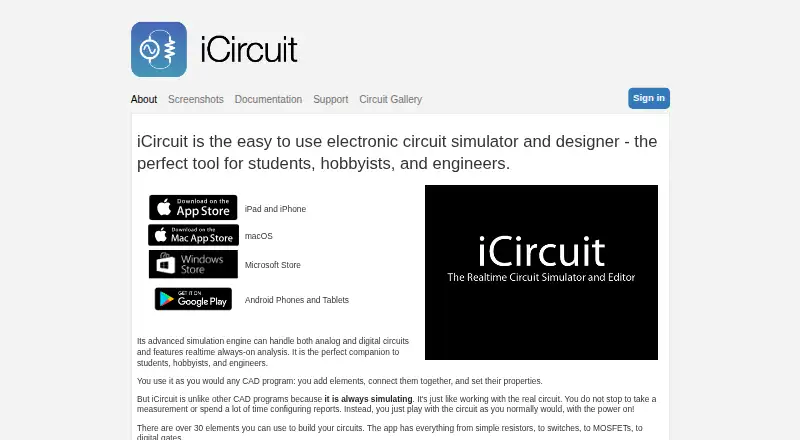
iCircuit is a circuit design and simulation app for students, hobbyists, and engineers who want to explore how analog and digital circuits behave. Its editor lets users place, connect, and configure components while simulation runs in real time. That makes it suited to learning, circuit exploration, and prototyping rather than broader electrical-design workflows centered on panel layouts.
The simulation tools give the app useful depth for circuit work: users can probe voltage, current, and power with a multimeter, track multiple signals on an oscilloscope, and inspect circuits with Bode plots and FFT analysis. A component library includes analog and digital parts such as logic gates and microcontrollers. Subcircuits and custom elements support reusable modules, while audio simulation can model speakers, buzzers, and microphones. These capabilities make iCircuit a fit for people who want interactive feedback while changing a circuit, rather than only a drawing environment.
Versions are available for Windows, macOS, iOS, and Android, so the product spans desktop and mobile use. The listed purchase model is paid, with an optional in-app purchase note; the App Store listing describes a one-time purchase. Its scope is narrower than a full electrical-design suite: panel design and MCAD integration are not included. Choose iCircuit for portable circuit simulation and exploratory learning; look elsewhere if panel design or mechanical CAD integration is central to your workflow. Support is listed through email.
Your product? Our editors can test iCircuit in depth and publish a review, labelled as paid · from $149/mo →
iCircuit pricing
All 1 iCircuit plans and prices →
iCircuit fact sheet
| Free plan | No |
|---|---|
| Paid from | Not verified |
| Schematic capture | Yes |
| Panel design | No |
| Electrical simulation | Advanced |
| Standards libraries | Yes |
| MCAD integration | No |
| Deployment | Hybrid |
| Deployment | Desktop, Mobile |
| Platforms | Windows, macOS, iOS, Android |
| Support | |
| Built for | Solo, Small business (editorial estimate) |
| Pricing | Paid (source) |
| Website | icircuitapp.com |
| Facts checked | 23 Sep 2026 |
Alternatives to iCircuit
- ETAPA broad electrical engineering platform for modeling, analysis, field workflows, and automation.8.9
- Trimble Electrical DesignerA standards-focused suite for calculating, validating and reporting electrical system designs.8.8
- EPLAN Electric P8A broad ECAD tool for structured electrical documentation and production workflows.8.7


See all iCircuit alternatives →
Used iCircuit? Be the first to review it
The editor score above is our own research. What this page doesn't have yet is a reader's view — what you used iCircuit for, what worked and what didn't. No stars are seeded and no review is paid for; an editor reads every one before it appears.
Write a reviewTwo minutes · verified accounts only · read by an editor before it appears
Featured on iTechGuides

iCircuit is listed in our Electrical Design Software directory. Add the badge to your site — it links back to this page.
<a href="https://www.itechguides.com/products/icircuit/"><img src="https://www.itechguides.com/best/badge/icircuit.svg" alt="Featured on iTechGuides" width="230" height="46"></a>
Reviewed by iTechGuides Editors · Editorial team · Updated Oct 2026
Advertiser disclosure: iTechGuides is reader-supported. Vendors can pay for top positions in our rankings and for a place on other products' pages, and we may earn a commission when you click some links. Bought places stand at the number bought; this page and our disclosure say so. Paying vendors may get a fuller, more detailed review from our editors, and that review can change their score. How we rank.
Last updated · How we research and update