Cover Art Studio
Cover Art Studio: A simple iPhone cover maker for releases built from personal photos. Ranked #23 of 26 in Album Cover Maker Software by our editors (7.0/10); pricing: Free plan; best for iPhone users making simple photo covers.
At a glance
- Editor score7.0 / 10
- PricingFree plan
- Best foriPhone users making simple photo covers
- Free planYes
- Facts checked22 Sep 2026
Where it wins
- Creates covers for albums, songs, mixtapes, and playlists
- Supports personal photos, image adjustments, stickers, and advisory artwork
- Includes background color controls and optional creative packs
Where it doesn't
- Available through Apple platforms rather than broader operating systems
- Editing scope centers on straightforward cover creation
- Paid options include multiple separate packs and an all-pack subscription
Our verdict on Cover Art Studio
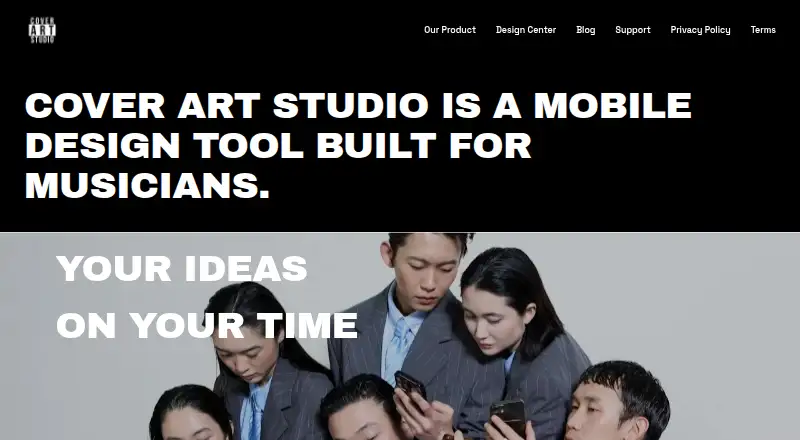
Cover Art Studio is a mobile album-cover maker for musicians creating artwork for albums, songs, mixtapes, playlists, and other releases. It supports personal photos, an editing menu for image manipulation, stickers, parental-advisory artwork, and background color changes through a color picker. The app is distributed through Apple’s App Store for iPhone and iPad, with compatibility also listed for Apple silicon Macs and Apple Vision devices. It fits creators who want a focused mobile tool for assembling release artwork from their own images.
The pricing model is freemium, with a free plan and optional in-app purchases. The available purchase options include Filters, Color Picker, Cash, Fire and Smoke, Double Cup, Slatt Pack, Background Color Picker, and Renaissance. The published offering also includes an all-pack subscription, while billing periods are not specified. This structure lets users start without a paid commitment, then add filters, color tools, sticker packs, and other creative options as needed. Buyers should review the individual packs and subscription choice before selecting the extras that fit their workflow.
Its main strength is a narrow, understandable feature set for personal-photo cover design: import an image, adjust it, add stickers or advisory artwork, and change the background color. That focus makes it a practical choice for iPhone users producing simple covers across several release types. It is less suited to creators who need a wider editing environment or access beyond Apple platforms. Choose Cover Art Studio for straightforward mobile artwork with optional themed packs; consider an alternative if broader platform availability or a more extensive editing scope is central to the project.
Your product? Our editors can test Cover Art Studio in depth and publish a review, labelled as paid · from $149/mo →
Cover Art Studio pricing
All 10 Cover Art Studio plans and prices →
Cover Art Studio fact sheet
| Free plan | Yes |
|---|---|
| Paid from | Not verified |
| Album templates | Not verified |
| Streaming size presets | Not verified |
| AI artwork generation | Not verified |
| Print-ready export | Not verified |
| Max export resolution | Not verified |
| Transparent export | Not verified |
| Deployment | Mobile |
| Platforms | iOS |
| Support | |
| Built for | Solo, Small business (editorial estimate) |
| Pricing | Free plan (source) |
| Website | coverart.studio |
| Facts checked | 22 Sep 2026 |
Alternatives to Cover Art Studio
- CoverArt AIA focused web tool for polished, platform-ready AI cover art.9.4
- One More Shot AIA music-aware cover and promo generator with broad creative output and costly paid tiers.9.2
- Mew Design AI Cover Art GeneratorA conversational AI cover maker with strong revision tools and print-ready paid exports.9.1

See all Cover Art Studio alternatives →
Used Cover Art Studio? Be the first to review it
The editor score above is our own research. What this page doesn't have yet is a reader's view — what you used Cover Art Studio for, what worked and what didn't. No stars are seeded and no review is paid for; an editor reads every one before it appears.
Write a reviewTwo minutes · verified accounts only · read by an editor before it appears
Featured on iTechGuides

Cover Art Studio is listed in our Album Cover Maker Software directory. Add the badge to your site — it links back to this page.
<a href="https://www.itechguides.com/products/cover-art-studio/"><img src="https://www.itechguides.com/best/badge/cover-art-studio.svg" alt="Featured on iTechGuides" width="230" height="46"></a>
Reviewed by iTechGuides Editors · Editorial team · Updated Oct 2026
Advertiser disclosure: iTechGuides is reader-supported. Vendors can pay for top positions in our rankings and for a place on other products' pages, and we may earn a commission when you click some links. Bought places stand at the number bought; this page and our disclosure say so. Paying vendors may get a fuller, more detailed review from our editors, and that review can change their score. How we rank.
Last updated · How we research and update