
CineGrain
CineGrain: A focused library of real film overlays with 4K ProRes delivery and one-time pricing. Ranked #25 of 27 in Texture Libraries by our editors (6.8/10); pricing: Paid; best for professional film-grain and artifact overlays.
At a glance
- Editor score6.8 / 10
- PricingPaid
- Best forProfessional film-grain and artifact overlays
- Free planNo
- Paid from$76 one-time
- Asset typesOverlay
- Facts checked20 Sep 2026
Where it wins
- Real 8mm, 16mm, and 35mm film scans
- 4K UHD ProRes clips for overlay compositing
- Integrates with major editing, VFX, and color systems
Where it doesn't
- No free plan
- Collections start at $76 one-time
- Full catalogue access requires the $999 Professional Collection
Our verdict on CineGrain
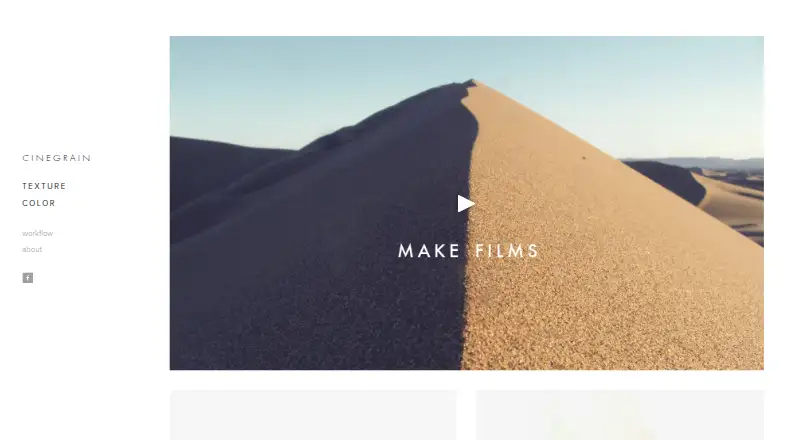
CineGrain provides downloadable film textures, grain, and artifact overlays for filmmakers, editors, visual-effects artists, and colorists. Its library focuses on scanned 8mm, 16mm, and 35mm footage supplied as 4K or 4K UHD ProRes clips. The assets are intended for compositing over footage with overlay blending and work across editing, VFX, and color workflows. It is best suited to professionals who want real film-scan elements rather than a general-purpose texture library.
The collection structure covers distinct production needs. The Indie 8mm Collection costs $76 one-time and includes 15 clips, while the Indie 35mm Collection and Indie 16mm Collection each cost $96 one-time, with 16 and 15 clips respectively. Artifacts - Indie Master Series costs $164 for 75 clips covering dirt and scratches, flash frames, lens flares, and splices. Grain - Indie Master Series costs $246 for 50 clips spanning the 35mm, 16mm, and 8mm collections. The Professional Collection costs $999 one-time and includes 425 clips, 4K 4096 x 2304 delivery, ProRes 4444, the complete CineGrain catalogue, and professional license coverage.
Platform fit is a notable strength. CineGrain lists compatibility with DaVinci Resolve, Adobe Premiere Pro, Adobe After Effects, Adobe Photoshop, Final Cut Pro, Baselight, Flame, and Nuke, with support for Windows, macOS, and Linux. Files can also be transcoded after download, which supports broader post-production workflows. The trade-off is a narrow focus and paid entry point: there is no free plan, and the library centers on overlay assets delivered in ProRes. Choose CineGrain for authentic film-grain and artifact work across established post-production systems; choose another option if you need a free tier, broader texture categories, or a different asset format.
Your product? Our editors can test CineGrain in depth and publish a review, labelled as paid · from $149/mo →
CineGrain pricing
All 6 CineGrain plans and prices →
CineGrain fact sheet
| Free plan | No |
|---|---|
| Paid from | $76 one-time |
| Asset types | Overlay |
| License scope | Not verified |
| Download model | One-time |
| Maximum resolution | Not verified |
| File formats | ProRes |
| PBR maps | Not verified |
| Video overlays | Yes |
| Deployment | Desktop |
| Platforms | Windows, macOS, Linux |
| Support | Email, Phone |
| Built for | Small business, Enterprise (editorial estimate) |
| Integrations | 8 integrations: DaVinci Resolve, Adobe Photoshop, Adobe After Effects, Baselight, Flame, Nuke … |
| Pricing | Paid (source) |
| Website | cinegrain.com |
| Facts checked | 20 Sep 2026 |
CineGrain integrations
CineGrain lists 8 integrations on its own site.
- DaVinci Resolve
- Adobe Photoshop
- Adobe After Effects
- Baselight
- Flame
- Nuke
- Adobe Premiere Pro
- Final Cut Pro
Alternatives to CineGrain
- ambientCGA broad CC0 library for finding and downloading commercial-ready 3D assets.9.4
- Poly HavenA free, format-friendly asset library for commercial 3D and visual production.9.3
- PoliigonA broad 3D asset library with strong software and engine integrations.9.0


See all CineGrain alternatives →
Used CineGrain? Be the first to review it
The editor score above is our own research. What this page doesn't have yet is a reader's view — what you used CineGrain for, what worked and what didn't. No stars are seeded and no review is paid for; an editor reads every one before it appears.
Write a reviewTwo minutes · verified accounts only · read by an editor before it appears
Featured on iTechGuides

CineGrain is listed in our Texture Libraries directory. Add the badge to your site — it links back to this page.
<a href="https://www.itechguides.com/products/cinegrain/"><img src="https://www.itechguides.com/best/badge/cinegrain.svg" alt="Featured on iTechGuides" width="230" height="46"></a>
Reviewed by iTechGuides Editors · Editorial team · Updated Oct 2026
Advertiser disclosure: iTechGuides is reader-supported. Vendors can pay for top positions in our rankings and for a place on other products' pages, and we may earn a commission when you click some links. Bought places stand at the number bought; this page and our disclosure say so. Paying vendors may get a fuller, more detailed review from our editors, and that review can change their score. How we rank.
Last updated · How we research and update