
Vector Ink
Vector Ink: A capable web-first vector editor with AI conversion and a free starting tier. Ranked #13 of 51 in Vector Graphics Software by our editors (7.2/10); pricing: Free plan; best for web-based vector creators using AI.
At a glance
- Editor score7.2 / 10
- PricingFree plan
- Best forWeb-based vector creators using AI
- Free planYes
- SVG exportYes
- Facts checked20 Sep 2026
Where it wins
- AI sketch-to-vector and image-to-SVG conversion tools
- SVG, PNG, and JPG import and export
- Path, typography, freehand, duplication, and icon tools
Where it doesn't
- Monthly and Yearly access are listed as in-app purchases
- The workflow is focused on vector creation rather than broad design work
- Team collaboration and integrations are not central to its positioning
Our verdict on Vector Ink
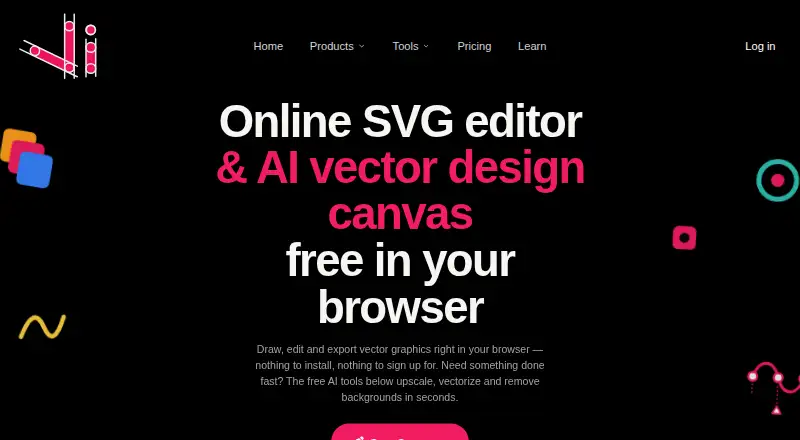
Vector Ink is a browser-based vector graphics editor for designers, brand creators, illustrators, crafters, and others who create or edit scalable artwork. Its core toolkit covers path and shape construction, Bezier drawing, freehand strokes with stabilization, typography, duplication, gradients, editable icons, color palettes, and image-to-vector workflows. It runs on the web, iOS, and macOS, with Apple App Store versions compatible with iPhone, iPad, and Apple-silicon Mac devices.
The freemium structure gives buyers a free starting tier, while the published plans show Monthly, Yearly, and Lifetime Access options. Monthly and Yearly access are listed as in-app purchases, and Lifetime Access includes all features. This makes the product suitable for users who want to begin without a paid commitment or prefer a one-time access option. Buyers comparing plans should review the current purchase flow and regional availability before choosing a paid tier.
Vector Ink’s strongest distinction is the combination of conventional vector tools and AI conversion features. The Path/Shape Builder supports combining, cutting, and creating shapes; the Pen tool handles Bezier paths; and the Copy tool supports grids, arrays, and radial duplication. Typography includes custom font import, text spacing, and text-to-path conversion. It is a good fit for individual creators who want browser access, cross-device availability, and AI-assisted vector workflows. Teams seeking a product centered on integrations or real-time collaboration should consider a broader design platform instead.
Your product? Our editors can test Vector Ink in depth and publish a review, labelled as paid · from $99/mo →
Vector Ink pricing
All 3 Vector Ink plans and prices →
Vector Ink fact sheet
| Free plan | Yes |
|---|---|
| Paid from | Not verified |
| SVG export | Yes |
| Browser app | Yes |
| Desktop app | Yes |
| Real-time collaboration | Not verified |
| PDF export | Yes |
| Animation tools | Not verified |
| Maximum artboards | Not verified |
| Deployment | Cloud, Mobile, Desktop |
| Platforms | Web, iOS, macOS |
| Pricing | Free plan (source) |
| Website | vectorink.io |
| Facts checked | 20 Sep 2026 |
Alternatives to Vector Ink
- Adobe IllustratorA deep vector design suite for teams that need advanced artwork and typography tools.9.4
- AffinityA broad free desktop suite for designers who need vector, pixel and layout tools together.9.2
- InkscapeA capable no-cost SVG editor for designers who want desktop flexibility.9.0



See all Vector Ink alternatives →
Also Ranked In
Vector Ink is ranked in 2 of our directories.
Used Vector Ink? Be the first to review it
The editor score above is our own research. What this page doesn't have yet is a reader's view — what you used Vector Ink for, what worked and what didn't. No stars are seeded and no review is paid for; an editor reads every one before it appears.
Write a reviewTwo minutes · verified accounts only · read by an editor before it appears
Featured on iTechGuides

Vector Ink is listed in our Vector Graphics Software directory. Add the badge to your site — it links back to this page.
<a href="https://www.itechguides.com/products/vector-ink/"><img src="https://www.itechguides.com/best/badge/vector-ink.svg" alt="Featured on iTechGuides" width="230" height="46"></a>
Guides on vector graphics software
- Top 5 Best Vector Graphics Software in 2022: A Use-Case-Based GuideAug 2026
- Top 6 Vector Graphics Software in 2026Aug 2026
Reviewed by iTechGuides Editors · Editorial team · Updated Oct 2026
Advertiser disclosure: iTechGuides is reader-supported. Vendors can pay for top positions in our rankings and for a place on other products' pages, and we may earn a commission when you click some links. How we rank.
Last updated · How we research and update